Your Complete Beginner’s Guide to Live Streaming Local Matches
Equip your community. Share the thrill. Go live today.
The raw energy of a local sports match is electric. From the passionate shouts in the stands to the thrill of a last-minute goal, it’s an experience that builds communities. But what about fans who can’t be there?
Thanks to modern broadcasting tech, you no longer need a TV truck to share the action. Live streaming has shifted from a luxury to a must-have, making it possible for anyone, anywhere, to broadcast local games. This guide will show you how to create a quality ground-zero streaming setup, even on a beginner’s budget.
Gear Up: Your Ground-Zero Broadcasting Tech
Getting started is simpler and more affordable than you might think. You don’t need a studio full of expensive equipment. Instead, focus on a few key components to ensure a quality broadcast that viewers will enjoy.

Video and Audio Sources
Your camera is your window to the game. While professional cameras like DSLRs offer great quality, you can absolutely start with what you already have.
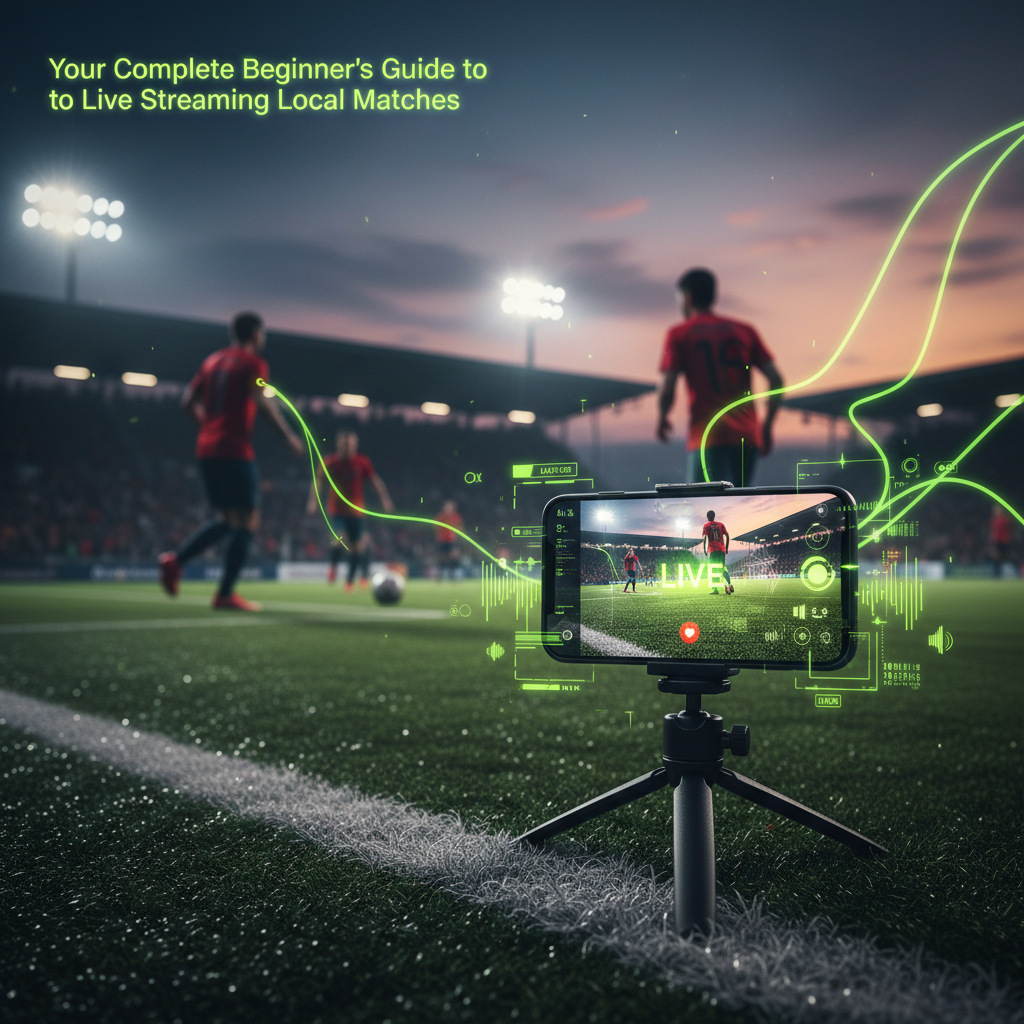
- Camera: A modern smartphone is a powerful tool capable of producing high-quality HD video. You can also use webcams or basic camcorders.
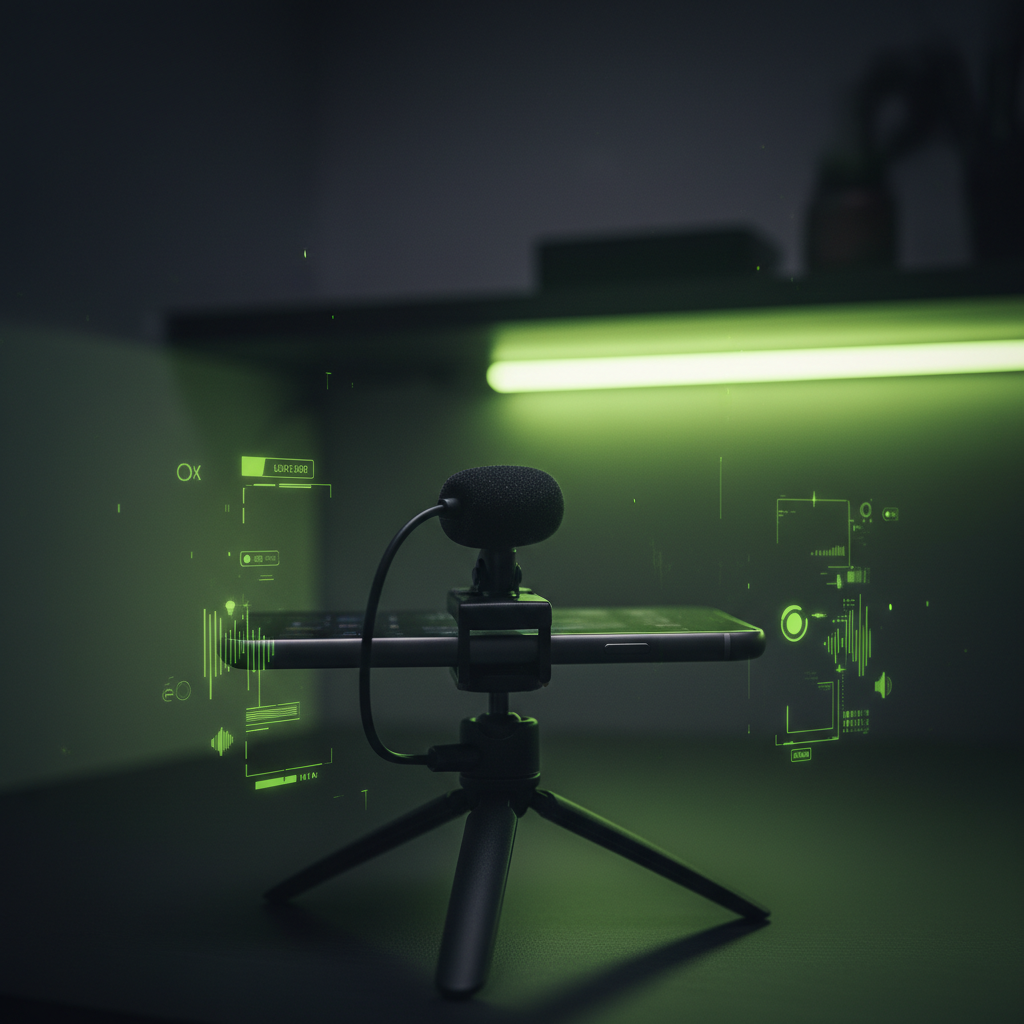
- Audio: Clear audio is more important than perfect video. Viewers will forgive a slightly grainy image, but they won’t tolerate bad sound.
The Core Setup
Beyond your camera and mic, you only need a few more items to get your broadcast online.
Video Encoder
Free options like OBS Studio are incredibly popular and powerful enough for most setups.
The Computer
An Intel i5 processor and at least 4-8 GB of RAM are generally sufficient to run encoding software smoothly.
Stability First
Aim for an upload speed of at least 5 Mbps. A wired Ethernet connection is always more reliable than Wi-Fi.
Platforms: Choosing Your Streaming Destination
Once you have your gear, you need a place to broadcast your stream. Your streaming destination, or platform, is where your audience will watch the game.
Platforms like YouTube Live and Facebook Live are excellent choices for beginners. They are built to handle large audiences, integrate easily with encoding software, and have built-in tools for engaging with your viewers through live chat. Choosing a platform where your community is already active can give you a head start in building an audience.
Ready, Set, Live! A 5-Step Guide to Your First Broadcast
The process might sound technical, but it breaks down into five simple steps.
1
Connect Your Sources
Connect your camera and microphone to your computer. Ensure everything is powered on and recognized by your system.
2
Configure Your Encoder
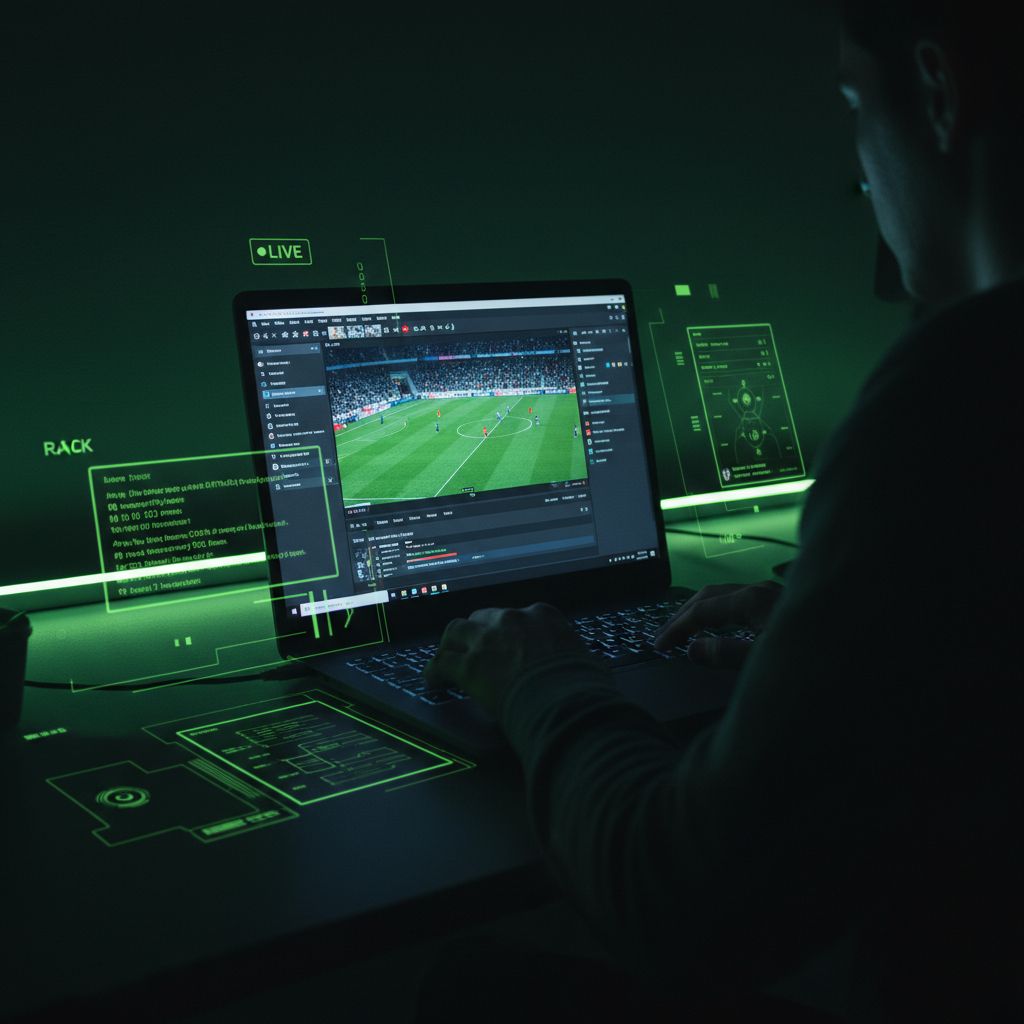
Open OBS Studio. Create a “scene” by adding your video and audio sources. This is where you can create layouts.
3
Set Up Your Destination
Log in to your chosen platform and create a new live stream event to generate a unique Stream Key.
4
Link Encoder to Platform
Copy the Stream Key and URL into the designated settings area in your encoder to link the broadcast.
5
Start Streaming
Click “Start Streaming”. Your feed is now live! Expect a short 10-30 second delay for the viewers.
Best Practices for a Flawless Stream
Planning and testing are key to providing a professional experience that keeps viewers coming back.
✓Test Everything
Always run a test stream on a private channel. YouTube’s Creator Academy offers excellent guides on testing.
✓Optimize Quality
Aim for at least 720p resolution at 30 fps. Most importantly, eliminate background noise as much as possible.
Engage Your Audience: Live streaming is interactive. Encourage viewers to comment, ask them questions, and respond to their feedback in real-time. This engagement is what builds a loyal community around your local team.
Conclusion
Broadcasting your local matches is an achievable goal for anyone with a passion for sports and community. With a simple ground-zero setup using a smartphone, an external mic, and free software, you can produce a high-quality stream that connects fans everywhere. By following these steps and focusing on preparation, you can reliably share the excitement of every game and bring your community closer together.