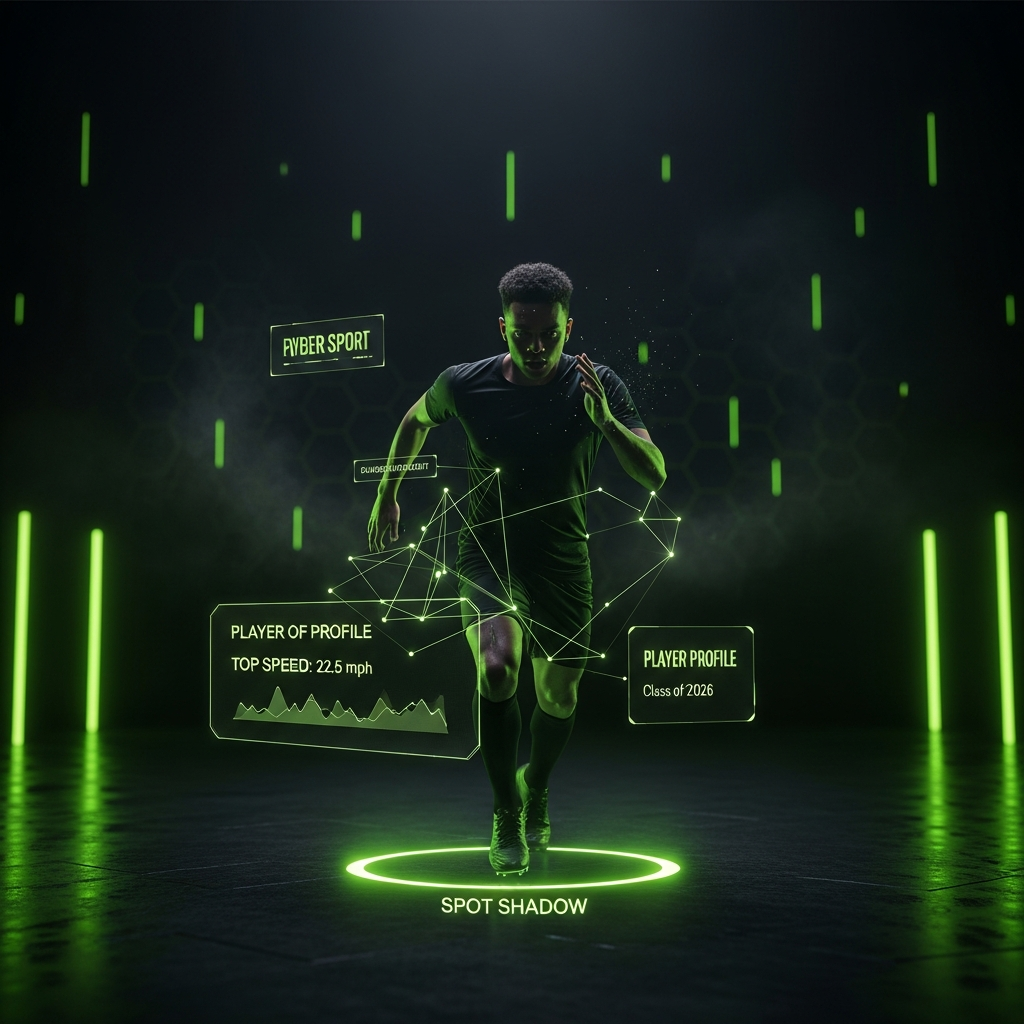
The world of sports recruiting has changed. In 2026, coaches and scouts don’t just look for raw talent on the field or court. They now expect a complete digital package. Your online presence, especially your video content, is your first audition.
This guide will walk you through creating a powerful highlight reel and a professional sports CV. Furthermore, we’ll provide the technical advice you need to ensure your video clips are exported with professional, crystal-clear quality.
The Modern Recruiting Video: Your 30-Second Audition
First, you must understand the difference between a flashy “hype” video and a true recruiting video. A hype video is for fans. A recruiting video is a professional evaluation tool for coaches, and today, for their AI-scouting software. It needs to be clean, clear, and impactful from the very first second.

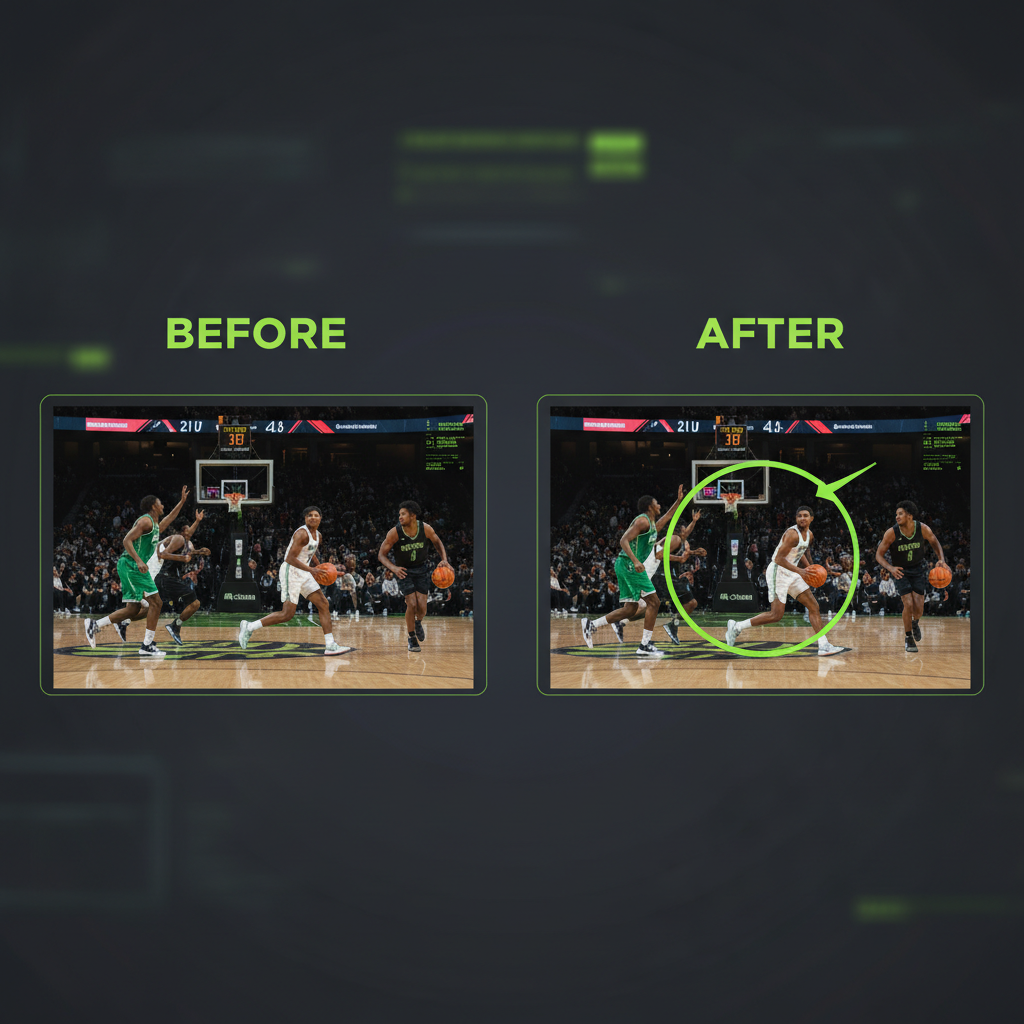
Coaches are incredibly busy. Consequently, they operate on the “30-Second Rule.” If your video doesn’t impress them within the first 30 seconds, they will simply move on. Therefore, you must put your five best, most dynamic plays right at the beginning.
Essential Rules for a 2026-Ready Reel:
- Keep it Short: Your final video should be between 3 and 5 minutes long. No more.
- Identify Yourself Clearly: Use a simple “spot shadow,” like a circle or arrow, to show the coach who you are at the start of every single play.
- Create a Title Card: Include Name, Class, Position, Height/Weight, Stats, GPA, and full contact information.
Position-Specific Plays Coaches Need to See
What you include in your reel depends heavily on your sport and position. Generic clips won’t cut it. Coaches are looking for game intelligence and specific skills. For example, a soccer defender must show their ability to distribute the ball, not just kick it away. Likewise, a basketball point guard should include clips with game audio to showcase their vocal leadership.
Soccer Defender
1v1 defending, aerial duels, and smart distribution.
Basketball Center
Rim protection, post footwork, and transition sprinting.
Football QB
Accuracy on the run, pocket presence, and reading progressions.
Crafting a Professional Sports CV
Your recruiting video needs a companion document: a sports CV. Think of this as the business case for your athletic career. It should be a clean, single-page PDF that acts as a directory to your entire digital footprint.
CV Checklist
Technical Guide: Exporting Without Quality Loss
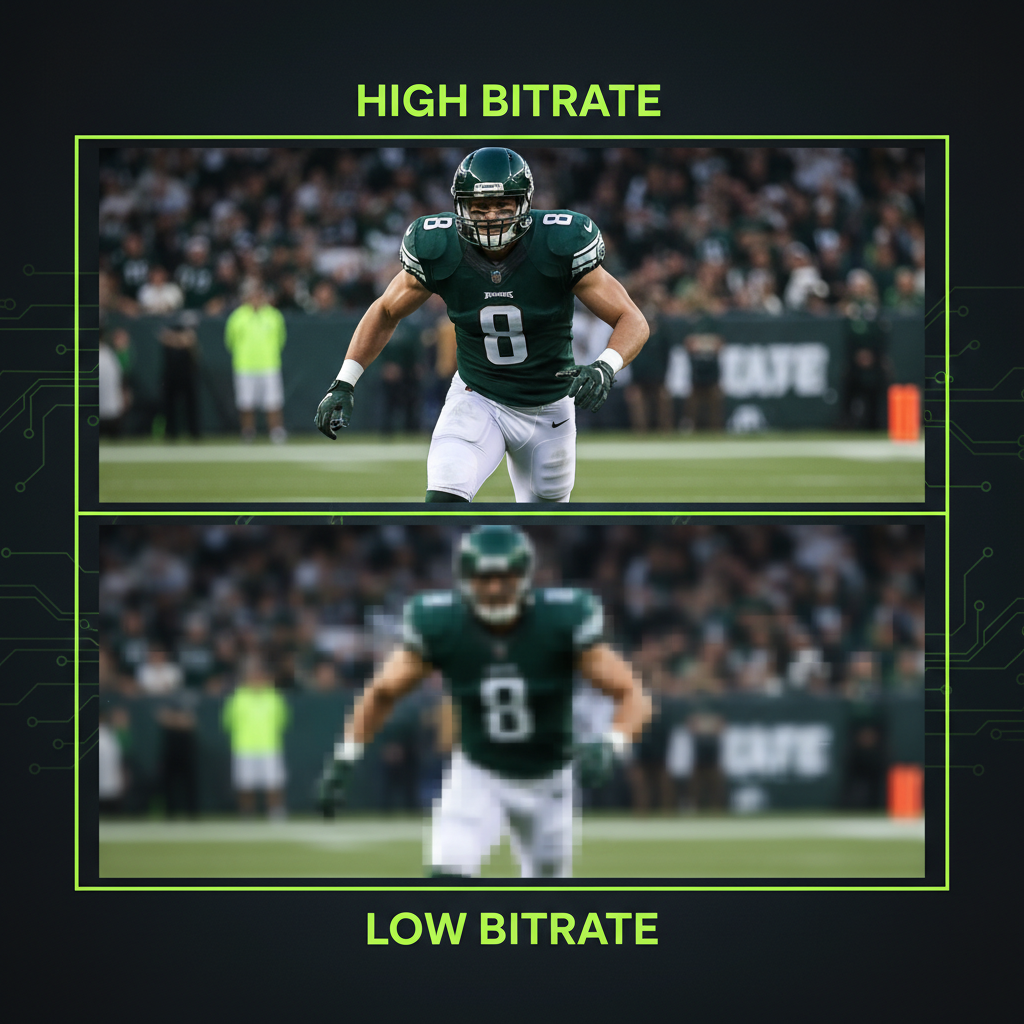
If you export it with the wrong settings, all your hard work can look blurry. The key is finding the right balance between bitrate, codec, and resolution.
The Golden Rules of Exporting
- Match Your Source: Never “upscale” footage. If you filmed at 30fps, export at 30fps.
- Bitrate is King: For visually lossless quality, aim for 20-30 Mbps for 1080p footage.
- Avoid Double Compression: If re-editing later, export in a master format like Apple ProRes.
Best Export Settings by Software
A pro tip for YouTube uploads: Export your 1080p video in 4K. YouTube gives 4K videos a higher quality playback version (the VP9 codec). This is a widely used secret among professional creators.
Conclusion: Building Your Digital Legacy
In 2026, getting recruited is about building a professional, accessible, and high-quality digital brand. By creating a targeted recruiting video, a polished CV, and mastering technical settings, you give yourself the best possible chance. Your digital package is your resume, your audition, and your business card all in one.