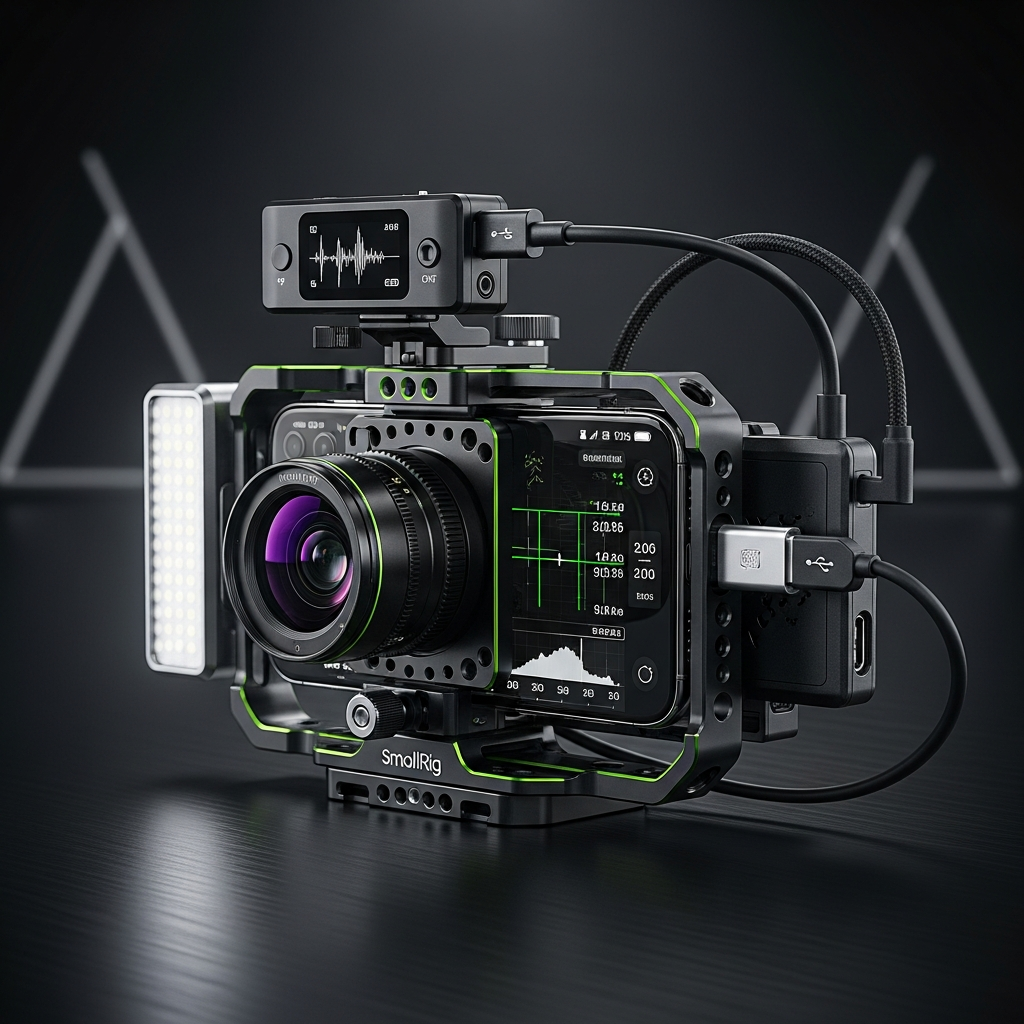
The days of smartphone video being a “handy hack” are long gone. It is now 2026, and the device in your pocket is a certified filmmaking powerhouse. Thanks to incredible leaps in modular hardware, AI-powered processing, and professional codecs, the gap between mobile devices and traditional cinema cameras has become remarkably narrow.
However, simply pointing and shooting won’t cut it. To truly unlock this potential, you need the right gear, the right apps, and the right techniques. This guide will walk you through everything you need to transform your smartphone into a professional video creation tool, whether you’re shooting a cinematic short, a high-impact player headshot, or capturing the energy of a live event.
Gear Up: Building Your Professional Mobile Rig
While the phone itself is incredibly powerful, achieving stable, clean, and professional results requires building a “mobile rig.” This setup elevates your phone from a casual device to a dedicated camera system. Consequently, your production value will skyrocket.
Flawless Stabilization
A gimbal is non-negotiable for smooth movement. Models like the DJI Osmo Mobile 8 use AI tracking.

Audio You Can Trust
32-bit float recording is the standard. Find out more on the official DJI blog.
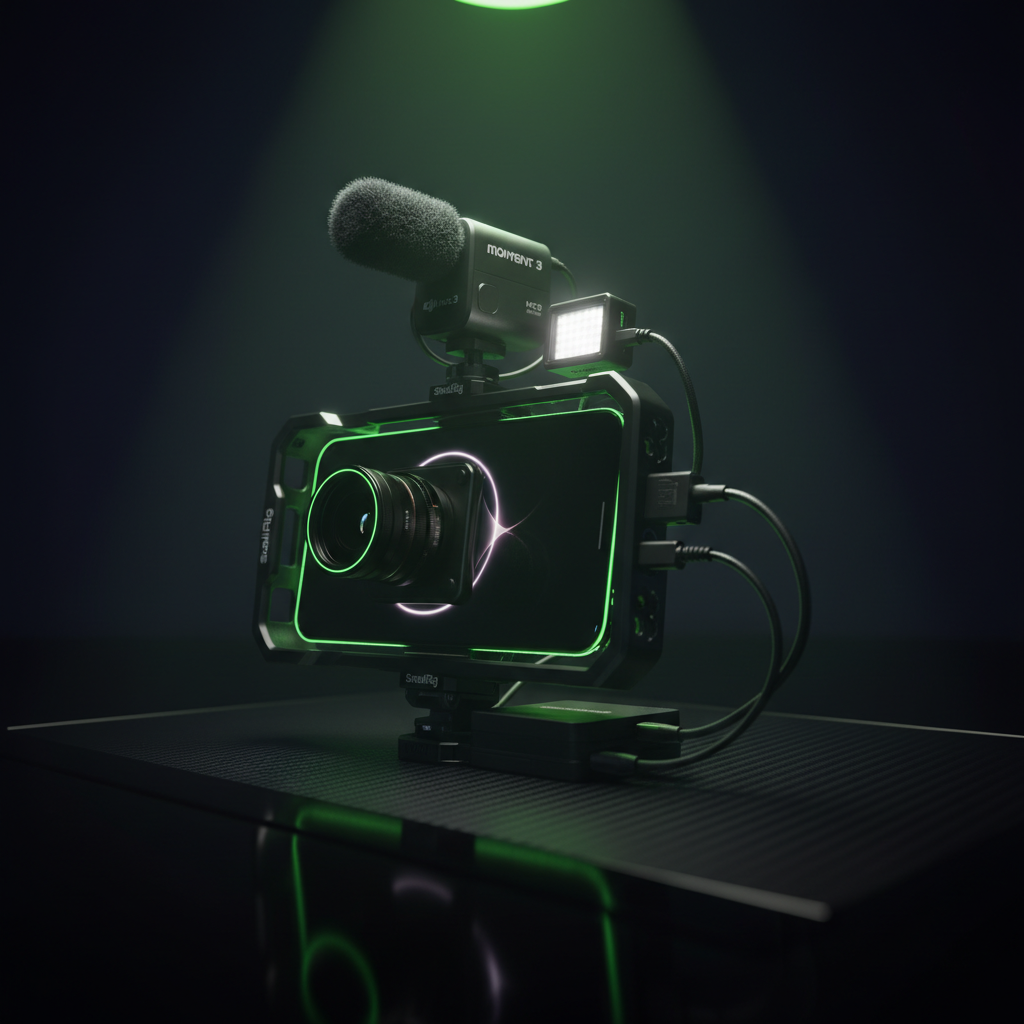
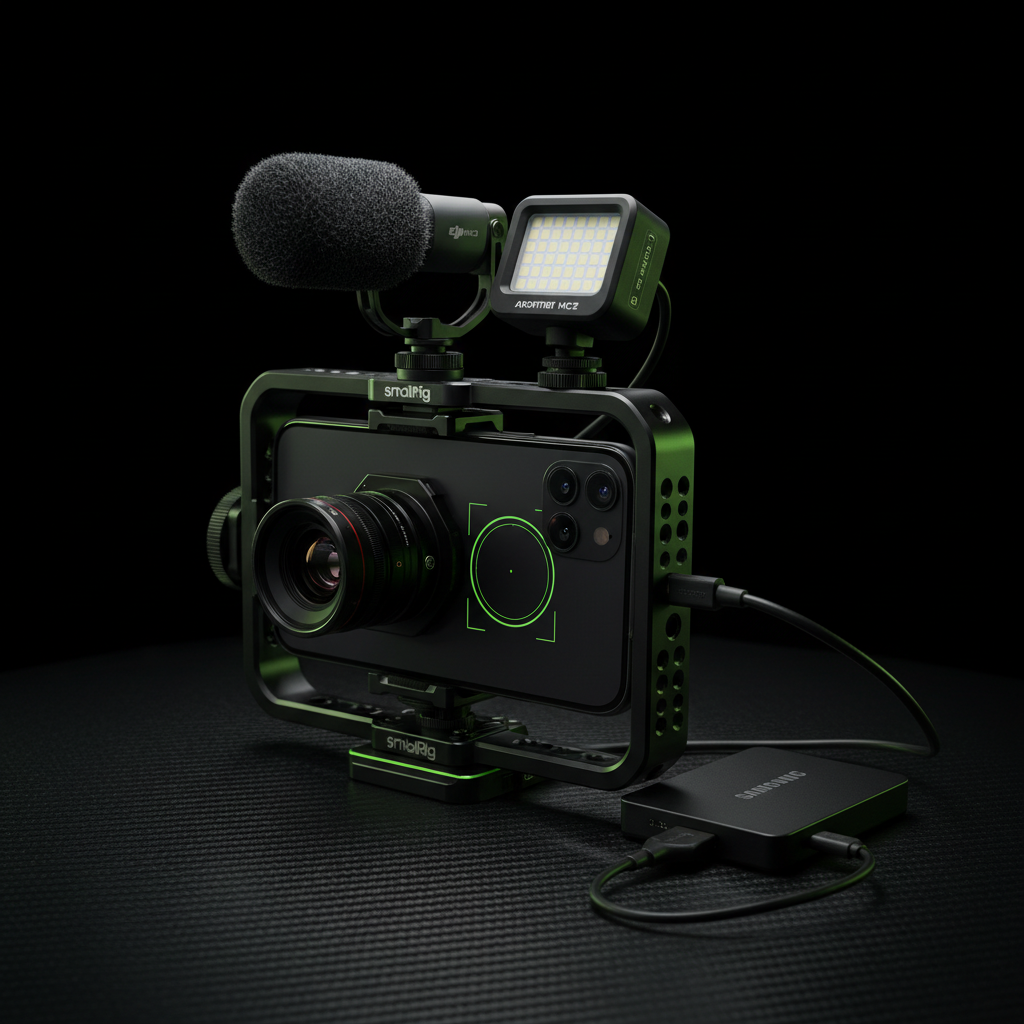
* **Cinematic Lenses and Filters:** Your phone’s built-in lens is good, but external lenses provide a more organic feel. **Moment T-Series** lenses, for example, add character to your shots. In addition, a **Variable ND Filter** is essential. It acts like sunglasses for your camera, allowing you to maintain a cinematic shutter speed in bright daylight.
* **Unlimited Storage:** High-quality video formats like ProRes consume a huge amount of space. Instead of filling your phone’s internal memory, connect an external **Samsung T9 SSD** via USB-C to record for hours without worry.
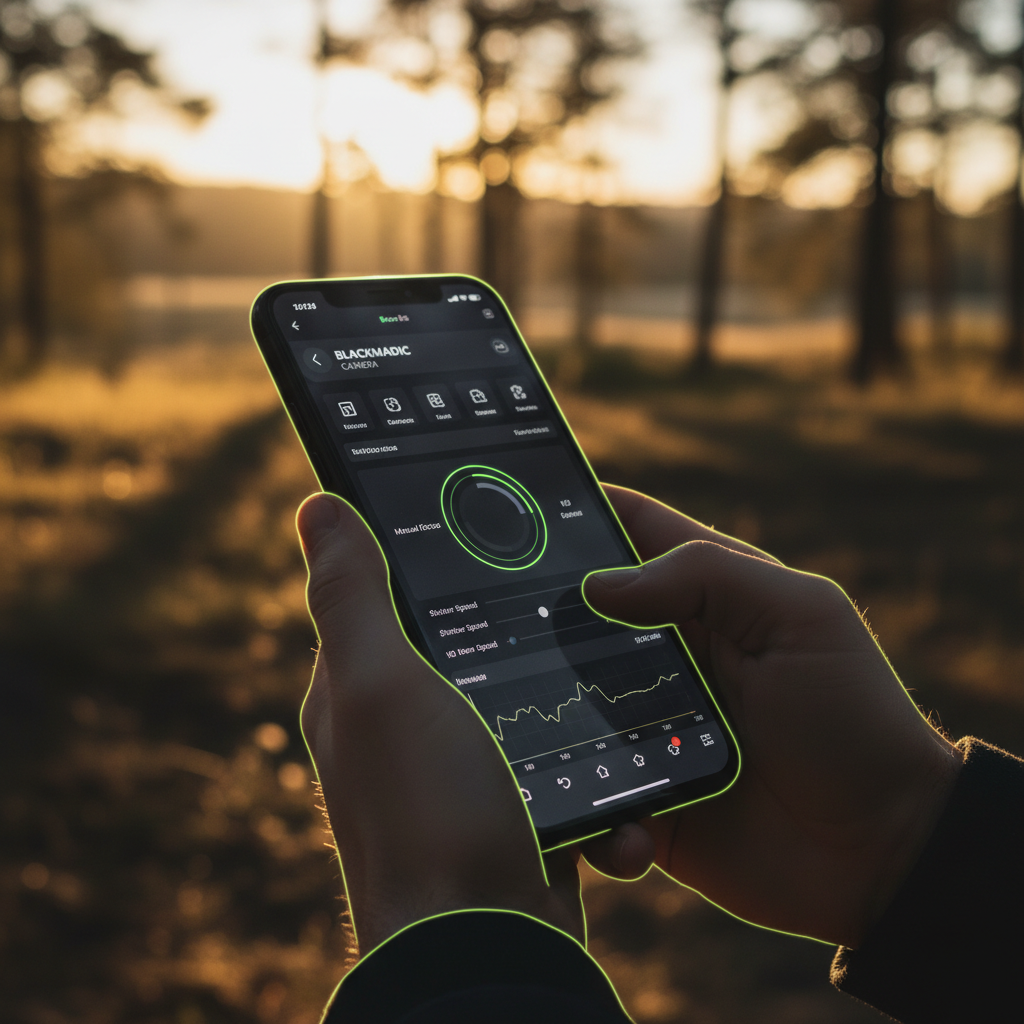
Mastering the Blackmagic Interface
Beyond Auto: Unleash Your Phone’s True Power
Your phone’s native camera app is designed for simplicity, not control. To achieve a professional look, you must step into the world of manual filmmaking apps. These tools give you complete command over every aspect of the image.
The Champion: Blackmagic Camera
The undisputed champion for this is the free Blackmagic Camera App. It provides a cinema-style interface with professional tools like histograms, focus peaking, and precise control over shutter speed, ISO, and white balance.
Furthermore, modern smartphones leverage powerful AI through their Neural Processing Units (NPUs). This isn’t just a gimmick; it’s a production assistant in your pocket. Key AI features include:
- AI Night Mode: Captures stunningly clean and bright footage in near-darkness.
- Smart Subject Tracking: Intelligently locks focus on a person or object.
- Generative Expand: Uses AI to intelligently widen your shot or remove unwanted objects.
Pro Techniques for Any Scenario
With the right gear and apps, you can now focus on technique. Certain principles apply to all forms of filmmaking, while others are specific to the content you are creating.
The Universal Rules of Cinematic Motion
First, you must understand the **180-Degree Rule** for shutter speed. To achieve natural-looking motion blur, your shutter speed should be double your frame rate. For instance, if you’re shooting at 30fps, set your shutter to 1/60. This is where your ND filter becomes crucial for controlling the light.
Scenario 1: The Magazine-Quality Player Headshot
To capture a powerful athlete’s headshot, you need to create shape and shadow. Start by using your phone’s **telephoto lens (2x or 3x)**, as it creates a much more flattering and compressed look than the standard wide lens.
Next, master the lighting. Position the player at a 45-degree angle to a large window to create “Rembrandt lighting,” which adds professional depth. Finally, shoot from a slightly low angle. This makes the athlete appear larger-than-life and more heroic.
Scenario 2: Capturing Low-Light Club Energy
Filming in a dark, chaotic club is a true test of skill. To capture the vibe without a blurry mess, you need to let in as much light as possible. Use a fast external lens (f/1.8) and increase your ISO.
A classic technique for this environment is **”shutter dragging.”** By using a slow shutter speed combined with a flash, you can freeze your subject while the background’s colorful lights streak and blur.
Your Pocket Film Studio Awaits
The power to create stunning, professional-quality video is no longer confined to expensive, heavy equipment. As we’ve seen, your smartphone is the core of a versatile and powerful filmmaking system.
By combining your phone with the right rig, mastering manual camera apps, and applying proven professional techniques, you can produce content that stands up to any standard. So, clean your lens, switch to manual, and start creating.