
Is your content workflow a chaotic mix of spreadsheets, documents, and messaging apps? For modern media teams, this disjointed process can lead to missed deadlines and creative burnout. However, the solution might already be on your desktop. Trello has transformed from a simple Kanban board into a powerful, AI-driven command center.
Today, Trello serves as the “single source of truth” that unites every stage of your creative process. It bridges the gap between a raw idea and a polished, published asset. Consequently, teams in the US, UK, Africa, and beyond are adopting it to streamline their work. This guide will show you exactly how to build and manage a world-class content calendar using Trello’s latest features.
Structuring Your Content Production Pipeline
A successful Trello board mirrors your real-world production process. By creating a linear workflow, you can visualize every piece of content at a glance. This clarity prevents bottlenecks and ensures smooth handoffs between team members. Therefore, an ideal structure is crucial for success.
1. Content Backlog/Ideas

Raw inspiration. Use Atlassian Intelligence (AI) to brainstorm and expand ideas with one click.
2. Research & Briefing
Assigned creators attach Google Drive or OneDrive briefs for centralized access.
3. Production
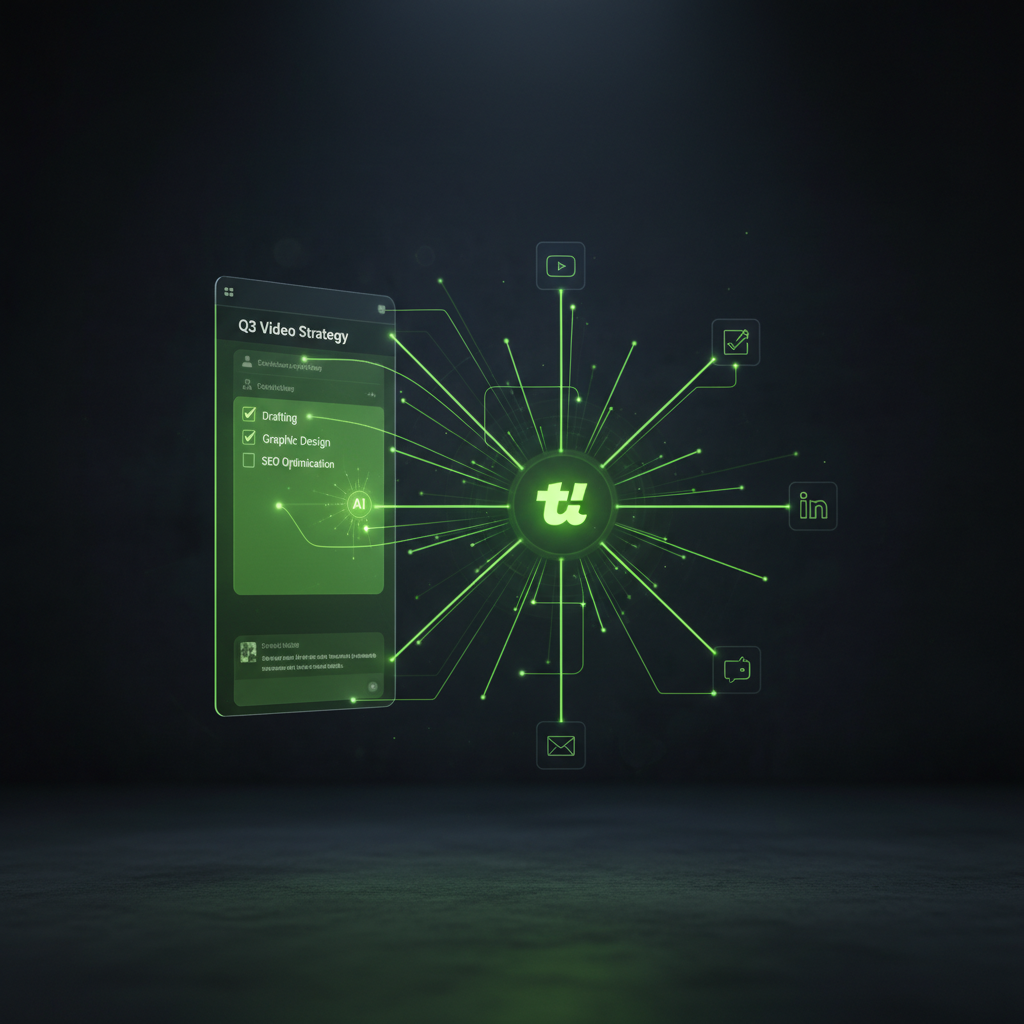
Active creation stage. Use detailed checklists for drafting, design, and SEO tasks.
4. Review & Scheduled
Automated notifications for editors and Calendar View for final scheduling.
Unlock Efficiency with Trello’s Newest Features
Trello’s 2026 updates are specifically designed for complex media workflows. These intelligent tools go beyond basic task management, helping you to automate, organize, and prioritize your work more effectively.
Atlassian Intelligence (AI)
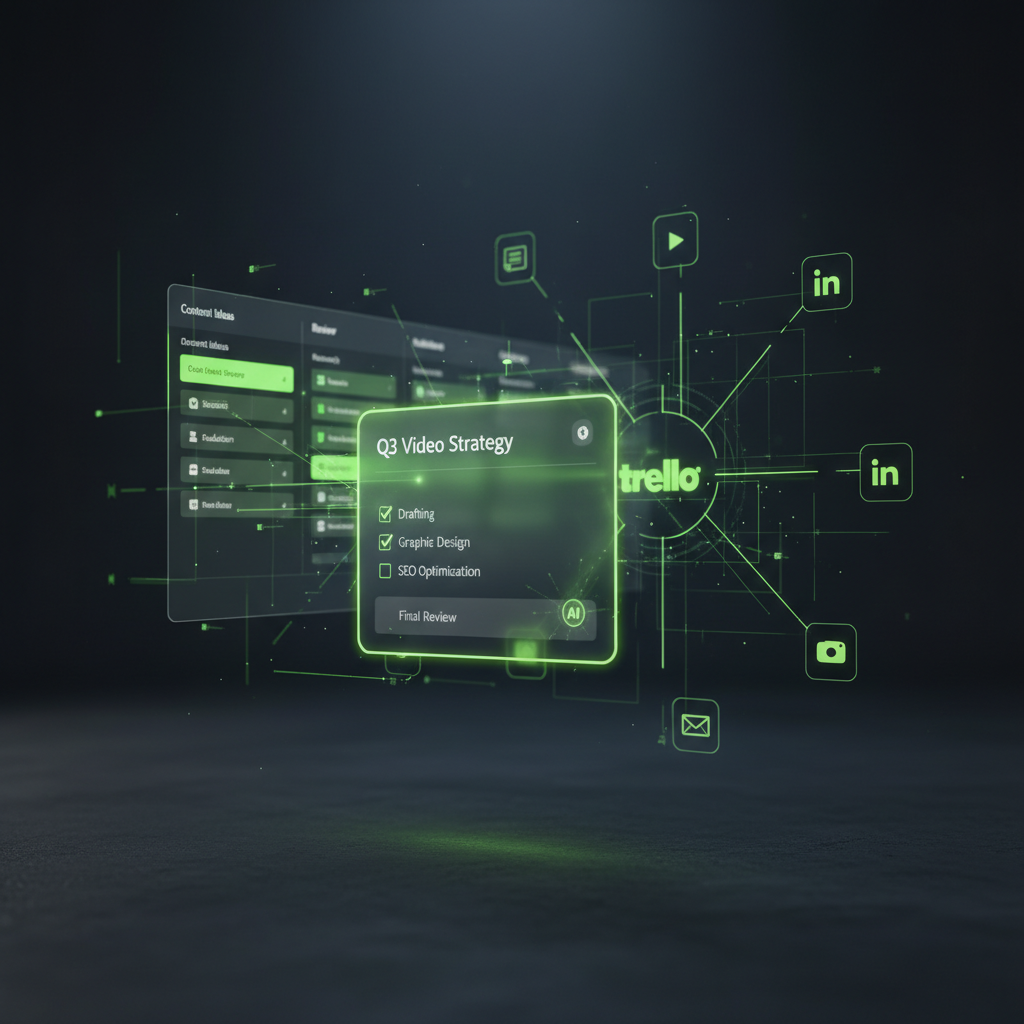
AI is now deeply integrated into Trello. Simply type /ai inside any card description to perform powerful tasks. You can summarize lengthy interview transcripts, generate social media captions from a blog draft, or instantly pull action items from meeting notes. This feature dramatically cuts down on manual administrative work.
Trello Inbox & Planner
The new Inbox allows you to capture ideas and tasks from other apps, like Slack or your email, without breaking your concentration. Similarly, the Planner lets you drag tasks directly onto a personal or team calendar.
Smart Boards and Mirror Cards
Trello now uses AI to help with prioritization. Smart Boards can suggest which content cards are at risk of missing a deadline based on your team’s past performance. Meanwhile, Mirror Cards are a lifesaver for cross-functional teams.
Essential Power-Ups to Supercharge Your Board
To unlock Trello’s full potential, you must integrate Power-Ups. These are like apps for your Trello board, adding specialized functionality for media teams. Here are the most critical ones:
- Calendar & Timeline: Essential for visualizing editorial rhythm.
- Google Drive / Box: Keep high-res assets and final scripts directly on cards.
- Planyway: Advanced team scheduling to prevent overbooking.
- Slack: Automated updates when content moves to “Review”.
- Card Repeater: Automates recurring tasks like weekly newsletters.
Pro Tips for a Flawless Workflow
With the right structure and tools in place, you can refine your process even further. These expert tips help you manage complex, high-volume content schedules with ease.
1
Use Labels for Multichannel Management. Assign color-coded labels for each platform (e.g., Red for YouTube, Blue for LinkedIn).
2
Add Custom Fields for Metadata. Keep card descriptions clean by using Custom Fields for “Target Keyword” or “Sponsor Name.”
3
Automate Your Handoffs. Use Butler to automatically assign editors when cards move into the “Editing” stage.
For those starting from scratch, the Trello Template Gallery is an excellent resource.
Conclusion: From Chaos to Command Center
Trello is no longer just a place to park your to-do lists. It has become a strategic command center for high-performing media teams worldwide. By building a logical pipeline, embracing AI-powered features, and automating routine tasks, you can transform your chaotic workflow into a streamlined content machine. Ultimately, this gives your team the freedom to focus on what truly matters: creating amazing content.