
Creating professional-looking football highlights used to require expensive cameras and complicated software. Today, however, the powerful device in your pocket is all you need.
With the right free apps and a few key techniques, you can film and edit dynamic football clips that capture every incredible goal, tackle, and skill move. This guide breaks down everything you need to know. We will cover the best free apps for filming and editing, the pro settings to use, and the post-production tricks that make your clips stand out on social media. Consequently, you’ll be ready to produce content that rivals broadcast highlights.
The Essential Toolkit: Top Free Apps for Football
Choosing the right app is your first step. Each tool offers unique features tailored for sports content. Therefore, it’s wise to have a few different apps for specific tasks.
Blackmagic Cam
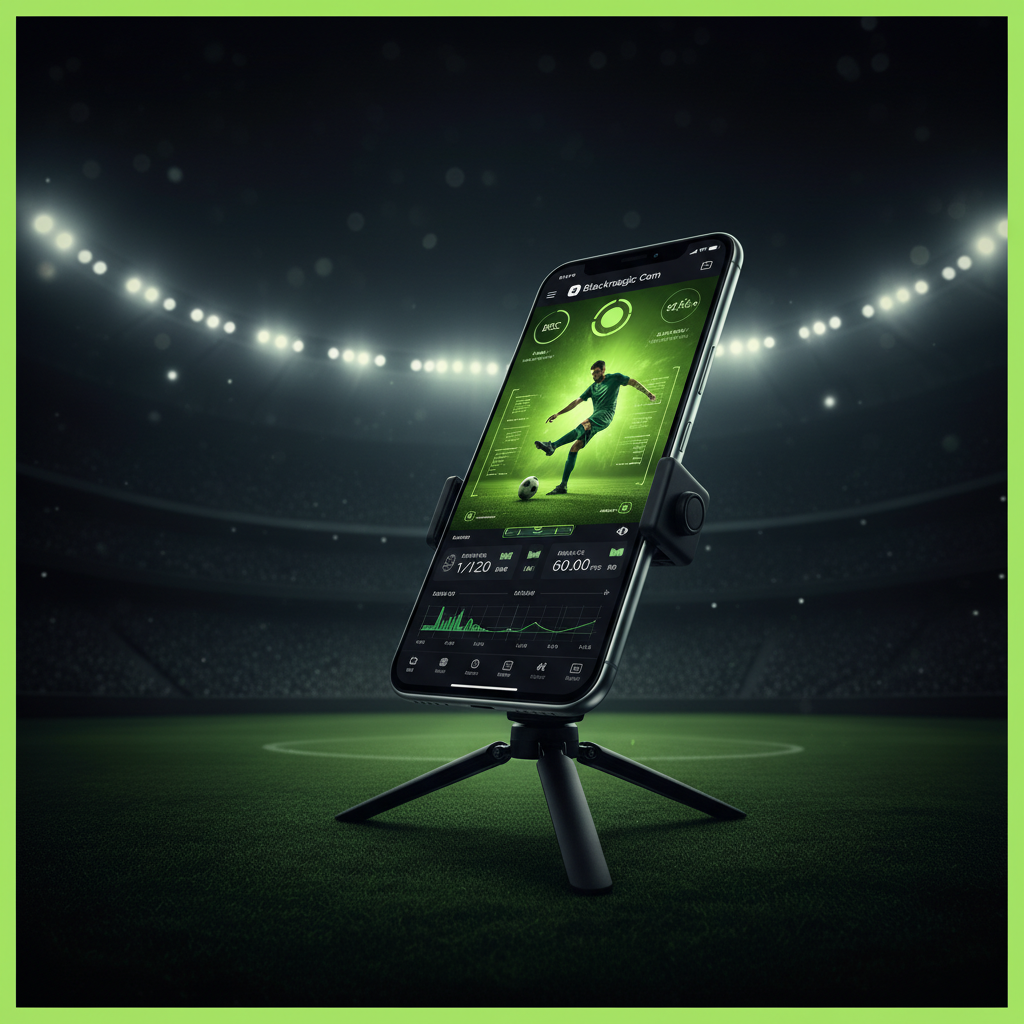
Manual control over shutter speed and high frame rates up to 120fps for buttery smooth slow-mo.

CapCut
The ultimate “Player Spotlight” tool with tracking circles, arrows, and speed ramping curves.
InShot
Perfect for “Freeze Frame” effects and quick vertical formatting for TikTok and Reels.
GoPro Quik
AI-driven auto-highlights that sync your most exciting moments perfectly to the beat.
Best for Cinematography: Camera MX. This app’s “Live Shot” feature is a game-changer. It allows you to save the last few seconds of action after it happens, ensuring you never miss an unexpected goal.

The Blackmagic Cam HUD offers professional-grade telemetry for mobile videographers.
Filming Like a Pro: Your Smartphone Setup
How you film is just as important as how you edit. A few adjustments to your setup can dramatically improve your footage. Good raw footage, after all, makes the editing process much easier.
Achieving Stability
Shaky footage is the number one sign of an amateur video. To eliminate this, you must keep your phone stable. Using a simple mobile tripod is the most effective solution. Alternatively, a gimbal like the DJI Osmo Mobile provides buttery-smooth tracking shots as you follow the action on the pitch.
Crucial Camera Settings
To get that broadcast-quality look, you need to leave the default camera settings behind.
- Resolution and Frame Rate: Always film in 4K at 60fps. This gives you sharp, clear video and the flexibility to slow down any clip by 50% without losing quality.
- Manual Shutter Speed: Use the Blackmagic Cam app to lock your shutter speed at double your frame rate.
- ND Filters: Clip-on Neutral Density filters act like sunglasses for your lens, allowing ideal shutter speeds even in midday sun.
Post-Production Magic: Pro Edits on Your Phone
Once you have your clips, it’s time to bring them to life. These professional editing techniques are surprisingly easy to master using free mobile apps like CapCut and InShot.
How to Add a Player Spotlight
Want to highlight a key player before they make a move? The process is simple. Find the moment of action and use the Freeze tool to create a 1-second still image. Use the “Stickers” menu to search for a “Circle,” and apply the Keyframe tool to track movement.
Mastering Speed Ramping
Speed ramping adds incredible drama to a highlight. Instead of a simple slow-motion clip, you can manipulate the speed dynamically. In Cap Cut or In Shot, use the Speed Curve tool.
The ‘Crunch’ Factor: Sound Design
Great audio makes a huge difference. Because your phone’s microphone is too far away, you should layer in sound effects (SFX). Use free SFX libraries to find sounds like “soccer kick,” “whistle,” and “crowd cheer.”
Conclusion
You no longer need a professional camera crew to produce stunning football highlights. By leveraging powerful and free smartphone apps like Blackmagic Cam for filming and Cap Cut for editing, you have a complete production studio in your hand. Get out there and start creating!