The Ultimate Content Creation Toolkit for 2026
Unlock your campaign’s full potential with smarter design platforms and AI co-pilots built for grassroots impact.
In the fast-paced world of grassroots organizing, time and budget are always in short supply. Creating compelling visuals, videos, and written content can feel like a full-time job. However, the game is changing. The rise of AI “Co-pilots” and smarter design platforms means small teams can now produce professional-grade content faster than ever before. Consequently, you can focus more on your mission and less on the technical hurdles.
This guide will walk you through the essential content creation tools for 2026. We will focus specifically on powerful Canva hacks that every grassroots media officer needs to know. Let’s unlock your campaign’s full potential.
The New Landscape: Your AI Co-pilot Awaits
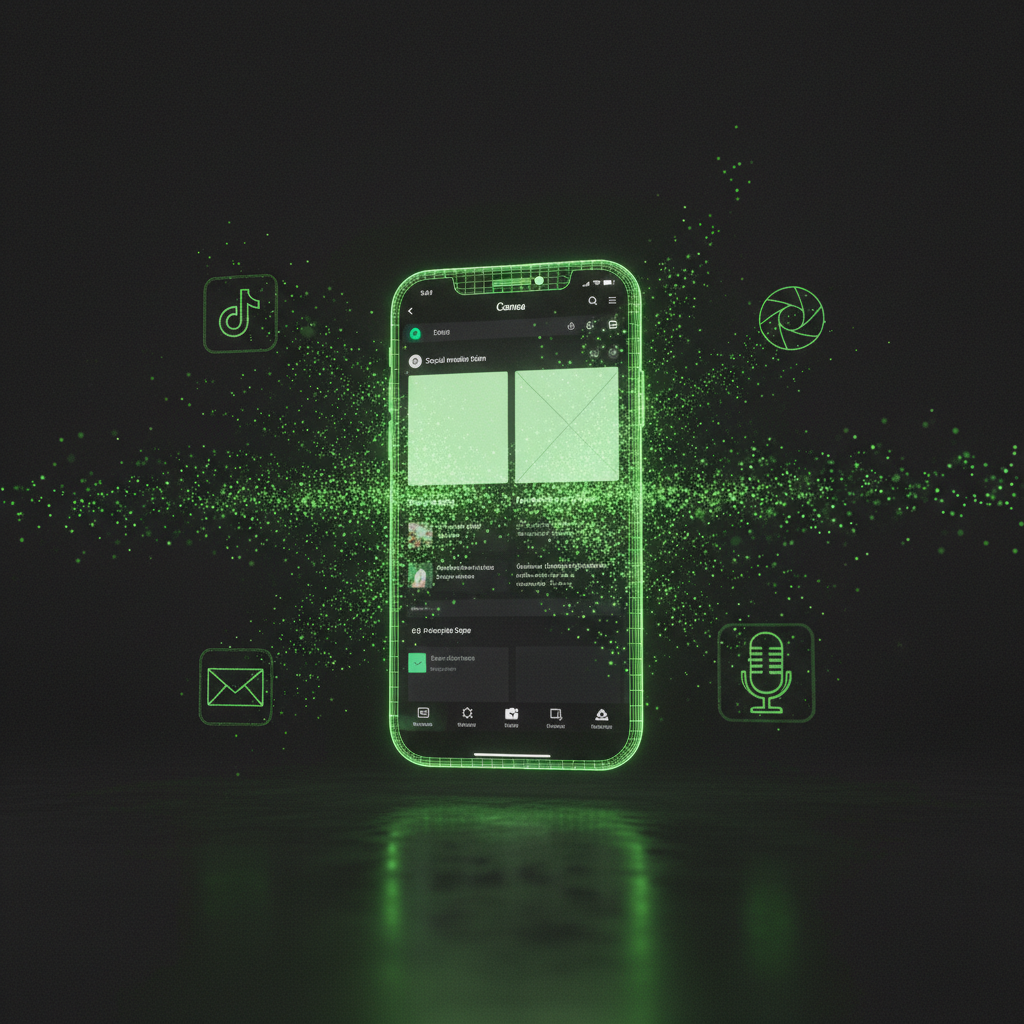
Content creation in 2026 is no longer about mastering one complex software. Instead, it’s about using a suite of intelligent tools that work together. These “AI Co-pilots” help you brainstorm ideas, automate repetitive tasks, and repurpose your core message across every platform imaginable. The key trend is efficiency.

For instance, tools like OpusClip can take one long video and automatically slice it into a dozen viral-ready clips for TikTok and Reels. This focus on repurposing is a massive advantage for grassroots movements, where a single message needs to reach diverse audiences.
Authenticity is also winning. While professional tools like DaVinci Resolve offer Hollywood-level editing for free, audiences often connect more with “lo-fi” content filmed on a phone and edited in an app like CapCut. This shift proves that a powerful message is more important than a polished production.
Why Canva is the Ultimate Grassroots Engine
For any media officer in a nonprofit or community group, Canva has become an indispensable all-in-one campaign machine. It’s more than just a design tool; it’s a hub for branding, collaboration, and rapid response.
The Single Most Important Hack: Get It for Free
Before you do anything else, check if your organization is eligible for Canva for Nonprofits.
- What it is: Registered non-profit organizations can get Canva Pro completely free for up to 50 team members.
- Why it matters: This unlocks premium features that are game-changers for small teams.
Work Faster, Not Harder, with Batching
Grassroots campaigns move at the speed of news. You need to create graphics in minutes, not hours.
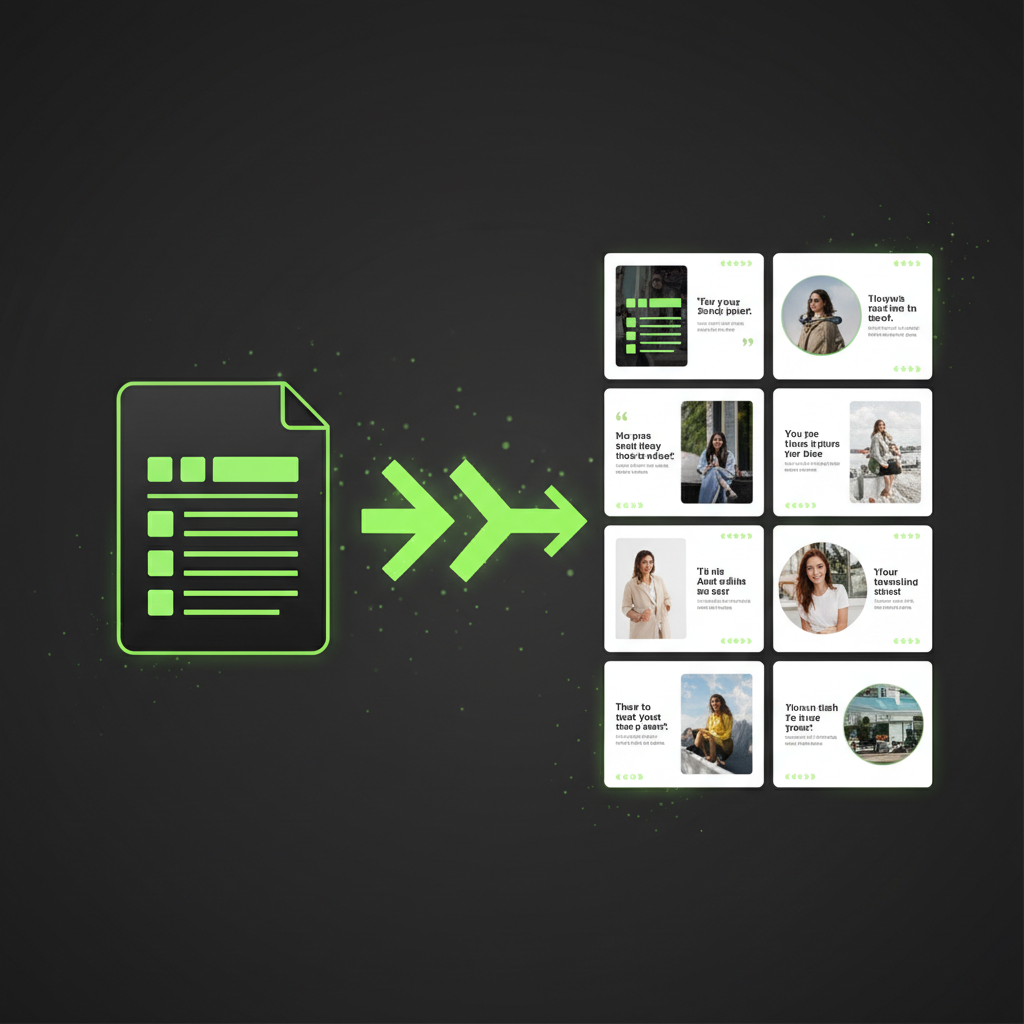
- Bulk Create: Have a list of quotes from supporters or key statistics for your campaign? Don’t make twenty separate graphics. Use the “Bulk Create” app in Canva to upload a simple data file. As a result, Canva will generate all the graphics from your template in seconds.
- Tidy Up: When you have multiple logos or text boxes on a design, getting them perfectly aligned is frustrating. Simply highlight all the elements, click Position > Tidy Up, and Canva instantly arranges them with perfect spacing and alignment.
Mobilize Your Community from Offline to Online
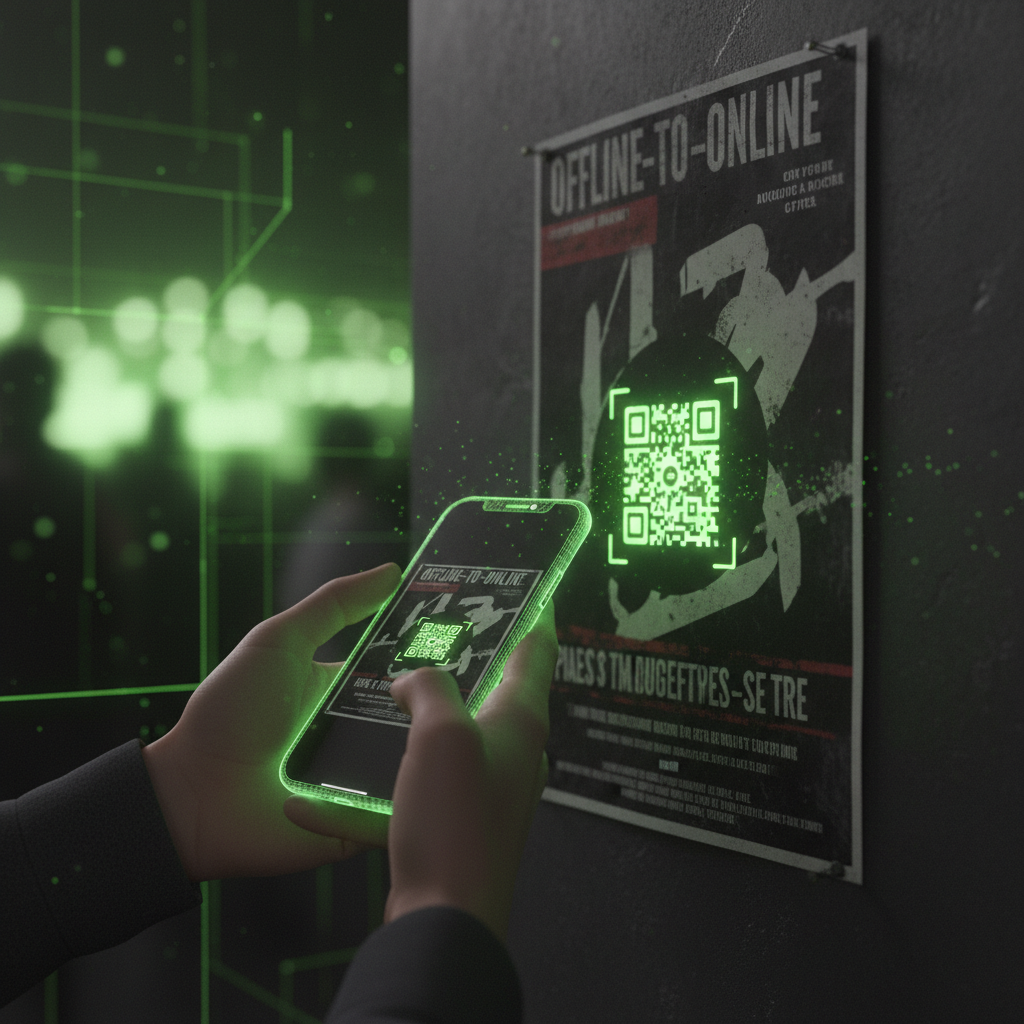
Your goal is to turn real-world support into digital action. Canva has built-in tools to bridge this gap seamlessly.
- Built-in QR Code Generator: Forget third-party sites. Use Canva’s own QR Code app to create a code that links directly to your petition, donation page, or sign-up form.
- Print-Ready PDFs: When sending a design to a professional printer, always export it as a PDF Print. Crucially, remember to check the box for “Crop marks and bleed.”
Beyond Canva: Other Essential Tools
While Canva is your visual design powerhouse, a few other tools can complete your content creation toolkit. For powerful and ethically sourced AI images, Adobe Express is an excellent alternative, integrating seamlessly with other Adobe products.
For writing and research, AI assistants are invaluable. Perplexity AI is perfect for fact-checking and finding cited sources quickly. Meanwhile, Claude is often preferred by writers for its ability to generate content with a more human-like tone, which is perfect for drafting newsletters or supporter emails.
A Pro Tip: Design for Clarity
No matter which tool you use, a core principle of good design is to provide help without creating clutter. In the world of user interface (UI) design, this is the rule for “tooltips”—the little pop-up boxes that explain an icon. The same logic applies to your social media graphics.
- Add Value, Don’t State the Obvious: A tooltip for a button with a trash can icon shouldn’t just say “Delete.” It should say “Delete permanently.” Likewise, your graphic’s text should offer new information or a powerful call to action, not just describe the image.
- Use Sparingly: If every icon in an app needs a tooltip to explain it, the icons are failing. Similarly, if your graphic is overloaded with text, logos, and effects, the core message gets lost. Keep it clean and focused.
“Good design is obvious. Great design is transparent.”
Conclusion: Empowering Your Movement
The modern content creation landscape has leveled the playing field. With powerful, intuitive, and often free tools like Canva at your fingertips, grassroots movements can now craft compelling campaigns that rival professional agencies. By embracing AI co-pilots, focusing on efficient workflows, and adhering to simple design principles, you can amplify your message and mobilize your community for real-world change. The tools are ready—go make an impact.