
How to Upload Match Stats to The FA’s Full-Time System
A definitive guide for grassroots managers to streamline match-day administration and record-keeping.
Keeping your team’s records up-to-date is a crucial part of managing any grassroots football club. Consequently, knowing how to upload match stats to The FA’s Full-Time system is an essential skill for managers and administrators. This process ensures your results are official and helps your league run smoothly. Whether you prefer using the desktop website or the convenience of a mobile app, this guide will walk you through the steps. Therefore, let’s get your stats submitted correctly and on time.
Submitting Stats via the FA Full-Time Website
Using the main website is a reliable way to submit your full match report. You just need your login details and a few minutes after the game.

1. Log In and Enter the Score
First, you need to log in to the system. Your league should provide you with a login invitation. If you don’t have one, you should contact your league administrator directly. Once logged in, navigate to your specific match. You will then see input boxes to enter the final score. After entering the score, remember to click “Update” to save this initial result.

2. Complete Mandatory Information
Before you can add player stats, the system requires some compulsory details about the match. After saving the score, click on the “statistics” button next to your team’s name. Here, you must complete the following:
- Match Official Marks: Rate the performance of the appointed referee.
- RESPECT Marks: Provide scores related to on-pitch and sideline behavior.
- Pitch Marks: Grade the quality of the pitch for the match.
These sections are vital for the FA’s assessment of referees, behavior, and facilities.
3. Add Player Statistics
Finally, you can move on to the player-specific details. In the “Player Statistics” section, you have the opportunity to input all the key events. This includes:
- Goalscorers for your team.
- Players who received yellow or red cards.
- Details of any substitutions made.
Double-check that all your information is accurate. Once you have entered all the player stats, click “Update” one last time to finalize and submit your complete match report.
Using The FA Matchday App
For those who prefer working from their phone, the FA Matchday app can streamline the process, especially if you have used its live match features.
1. Access the Match Report
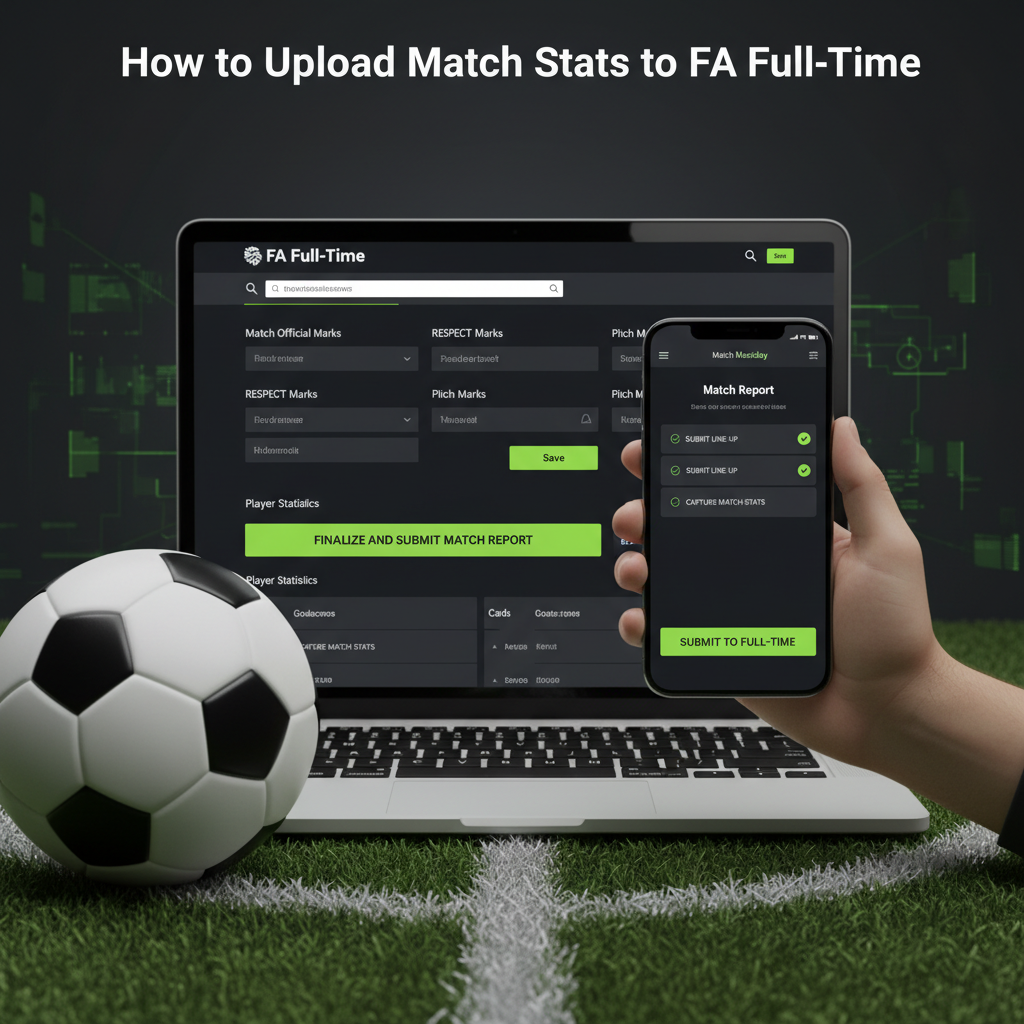
After the match ends, open the app and find the relevant fixture. Navigate to the ‘Match Report’ tab. This screen acts as your checklist, showing all the sections you need to complete for a successful submission.
2. Submit Your Line-up and Stats
Begin by tapping ‘Submit Line-up’. Here, you will tick the box next to every player who participated, marking them as either a ‘starter’ or a ‘substitute’. After saving the line-up, move to the ‘Capture Match Stats’ section. Here you can confirm or edit the final score and add goal scorers and disciplinary details, such as cards.
3. Complete Marks and Submit to Full-Time
Just like the website, the app requires you to complete the ‘Submit FA Marks’ and any ‘Submit League Marks’. This includes the mandatory referee and pitch marks. Once every section has a green tick next to it, you can be confident your report is complete. The app then automatically submits everything to the Full-Time system. However, it’s wise to double-check that the submission was successful, as some leagues have noted issues, and you want to avoid potential fines.
Conclusion: Stay on Top of Your Admin
In conclusion, submitting your match statistics to FA Full-Time is a straightforward but essential task. Whether you use the detailed website interface or the convenient Matchday app, the key is to be thorough. Always complete the mandatory marks for referees, RESPECT, and pitches before moving on to player stats. By following these steps accurately and promptly, you not only fulfill your duties to the league but also contribute to the wider health of grassroots football.