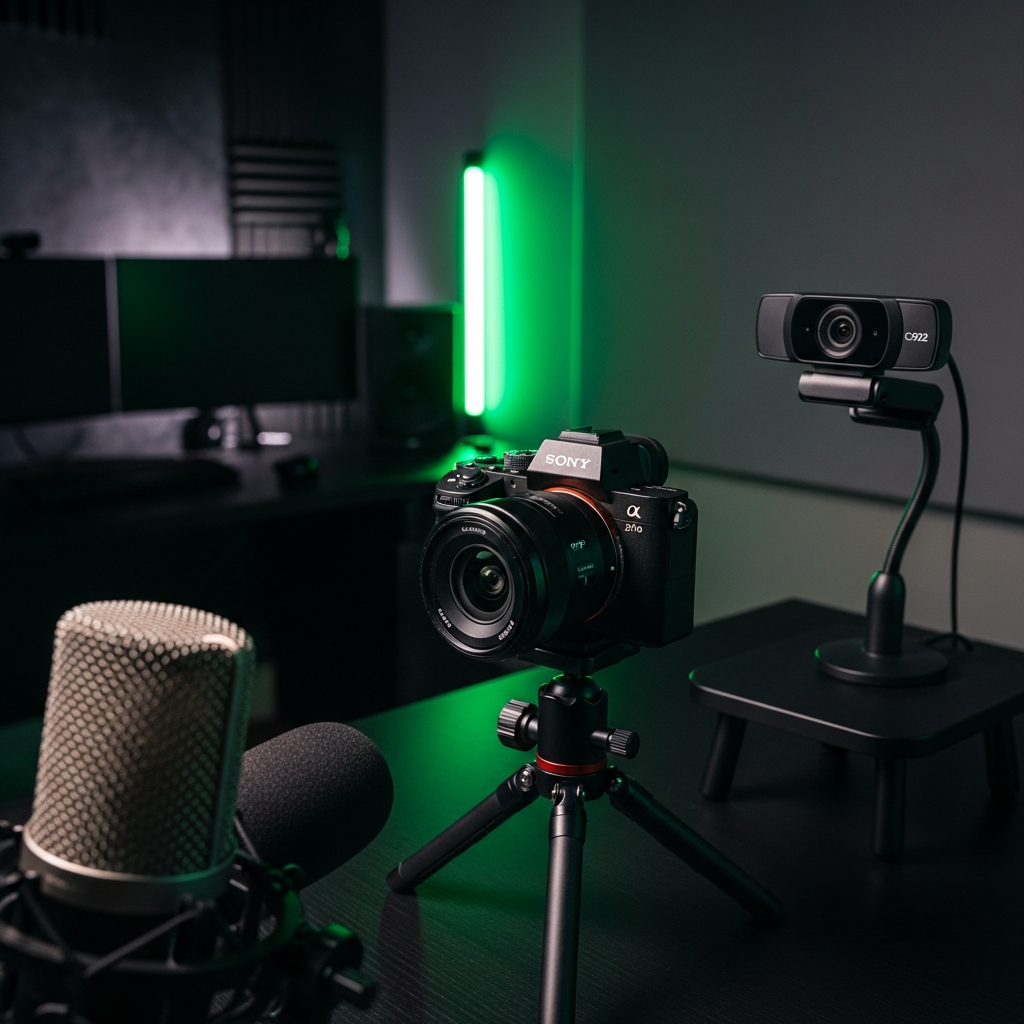
Level Up Your Stream
With smart choices, you can build an intermediate two-camera streaming setup that delivers incredible quality without breaking the bank. This guide will walk you through the essential hardware, connectivity options, and pro tips. Consequently, you can create a broadcast that truly stands out.
Choosing Your Cameras: The Hybrid Approach
The core of your setup is, of course, the cameras. For an intermediate stream, the best strategy is a hybrid approach. This means pairing one high-quality primary camera for your main face shot with a more budget-friendly secondary camera for other angles.
Your Primary Camera
- The Gold Standard: The Sony ZV-E10 is a top choice. Its large sensor creates that professional bokeh.
- The Smart Saver: Explore the used market for a Sony a5100 or a6000 for half the price.
Your Secondary Camera
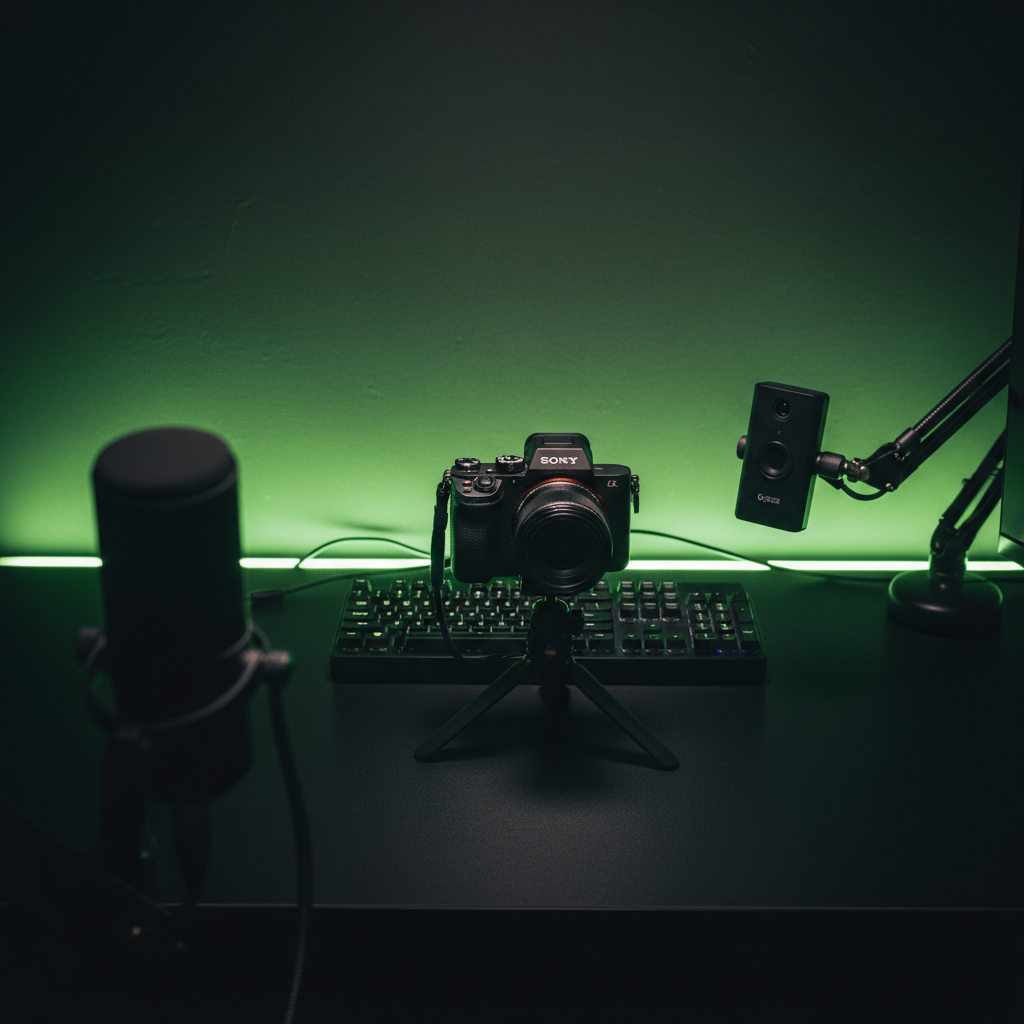
- The Reliable Webcam: A Logitech C920 or C922 provides a solid 1080p image.
- The Zero-Cost Option: Use your smartphone! Apps like VDO.Ninja can turn your phone into an NDI camera.
Getting Connected: Switchers vs. Capture Cards
Once you have your cameras, you need a way to get their video signals into your computer. You have a few options, each with different costs and benefits.
Hardware Switchers for Easy Control
A hardware switcher is a physical box that lets you switch between cameras with a single button press. It combines all your camera inputs into a single source for your computer.
- The intermediate choice is the Blackmagic ATEM Mini Pro.
- The budget alternative is the Feelworld LivePro L1.
Software Switching for Maximum Flexibility
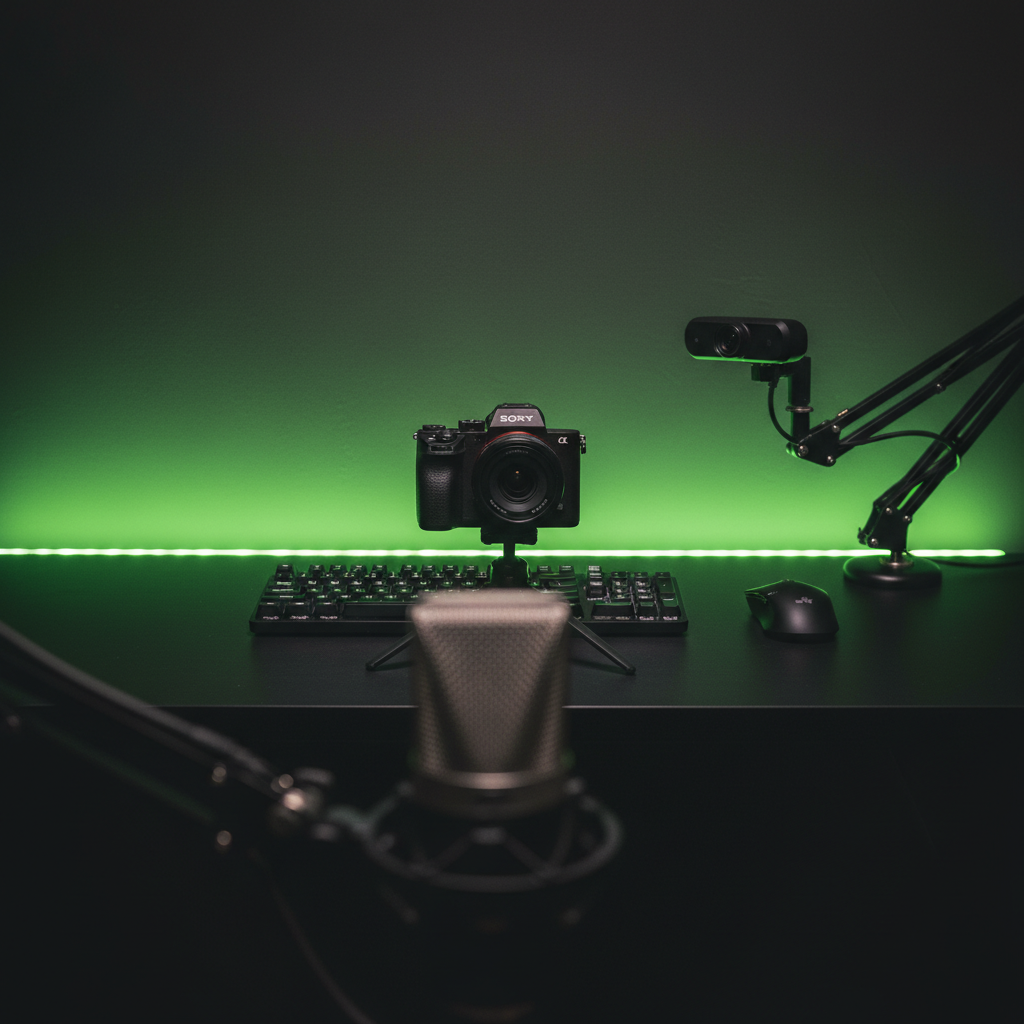
Alternatively, you can bring each camera into your PC separately and use software to switch between them. This method is often cheaper. All you need are two “generic” HDMI-to-USB capture cards. These devices are surprisingly reliable for 1080p video.
The “Pro” Details That Make a Difference
Great cameras are just the beginning. To truly elevate your broadcast from hobbyist to intermediate, you need to focus on a few critical details.
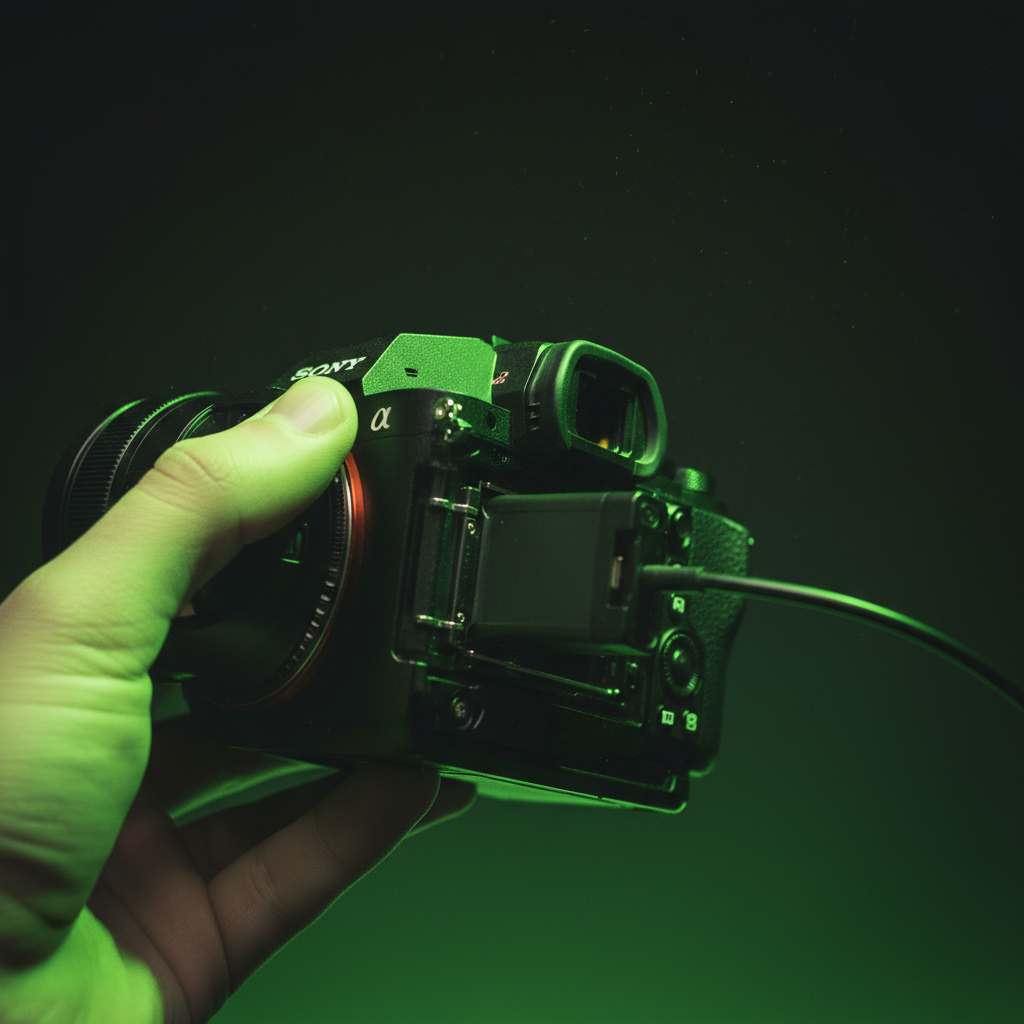
Never Rely on Camera Batteries
This is a non-negotiable rule. A standard camera battery will not last through a long broadcast. Therefore, you must buy an AC power adapter, often called a “dummy battery.”
Master Your Lighting
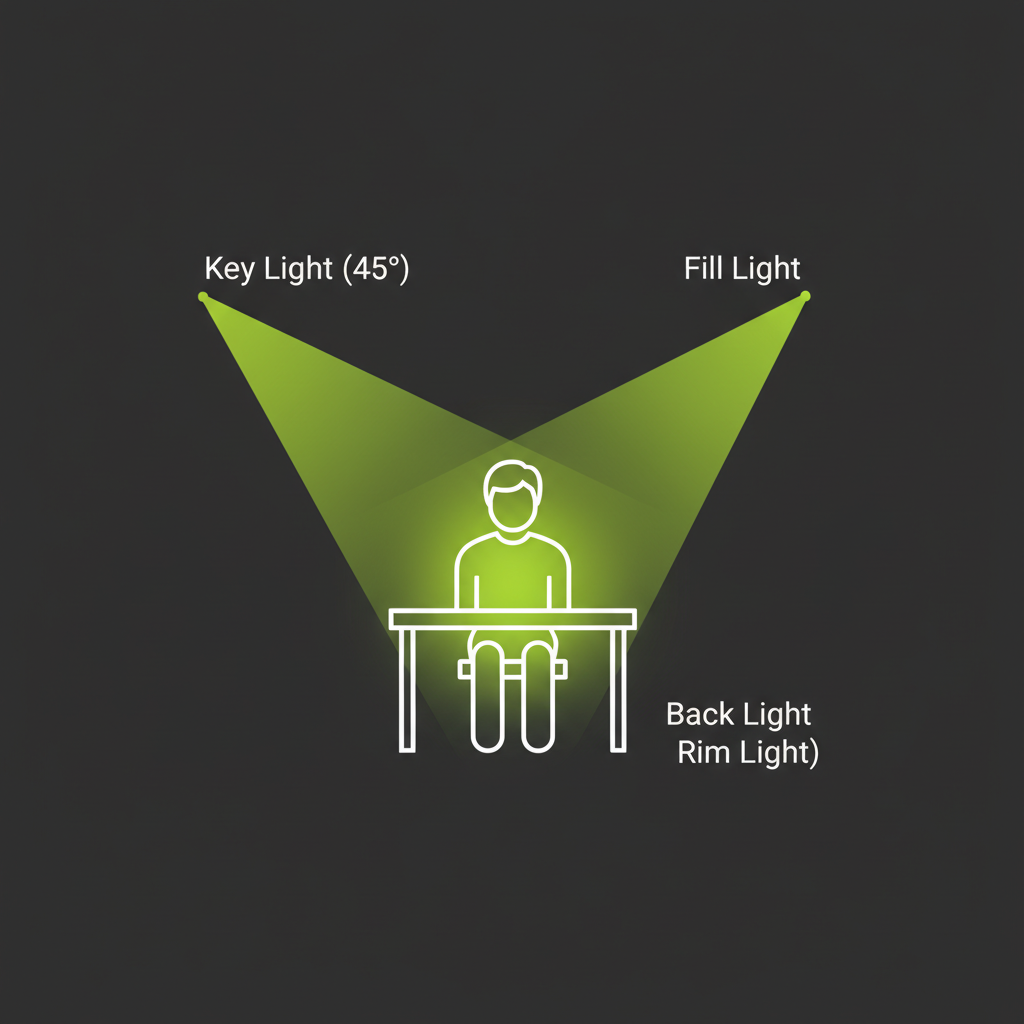
Good lighting is more important than a good camera. Instead of just a single ring light, use a three-point lighting setup.
Fix Your Audio Sync with the “Clap Test”
Different cameras and capture cards have different processing delays (latency). This can cause your audio and video to go out of sync. Luckily, there’s an easy fix: The Clap Test.
- Start recording in OBS and clap your hands loudly on camera.
- Count the frames between the visual impact and the sound.
- In OBS “Advanced Audio Properties,” add a “Sync Offset” in milliseconds (ms).
Choosing Your Broadcasting Software
Finally, all your hardware feeds into your broadcasting software. For most people, there are two main choices:
OBS Studio: The free, open-source standard for streaming. For more details, you can visit the Official OBS Studio Website.
vMix: A paid, professional-grade software for Windows. Learn more on the Official vMix Website.
Conclusion: Your Professional Stream Awaits
Setting up a two-camera stream doesn’t have to be an intimidating or expensive process. By using a smart hybrid camera approach, choosing the right connectivity solution, and mastering the details like lighting and audio sync, you can build an impressive intermediate setup.
This kind of broadcast quality was once only available to big-budget studios. Now, with a budget of around $700, you can create a dynamic, engaging, and professional-looking stream that will captivate your audience.