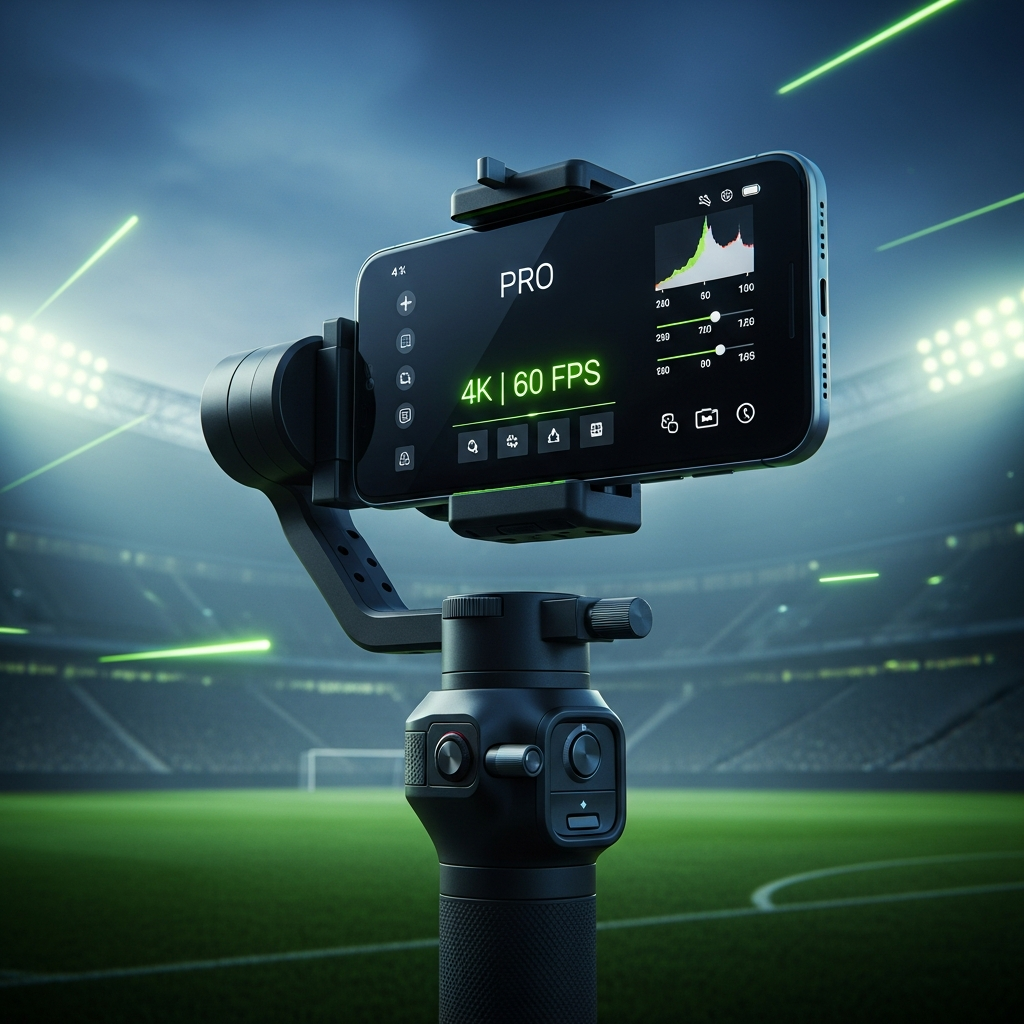
Ditch the blurry shots. Learn how to transform your mobile device into a broadcast-ready production tool with professional settings and rigs.
Tired of your football videos looking like a blurry, shaky mess? Capturing the speed and excitement of the beautiful game with a smartphone is challenging.
The ball moves too fast, stadium lighting is tricky, and standard “auto” settings just can’t keep up. However, with the right technical setup and camera settings, your phone can produce professional-grade, broadcast-ready footage. This guide breaks down the ultimate configuration for filming fast-paced football action, whether you’re in the US, UK, or anywhere across the globe.
Master Your Camera Settings: The “Action” Profile
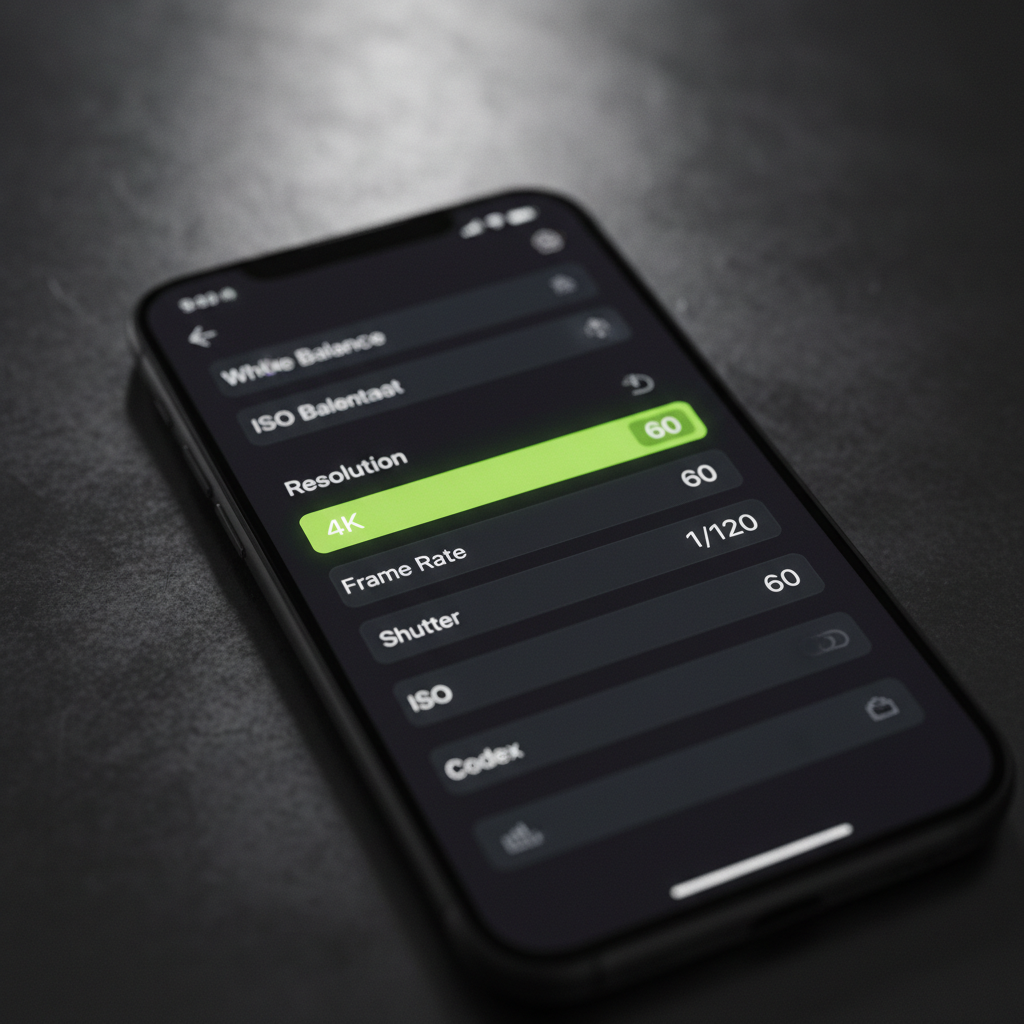
First, you must take control away from your phone’s automatic mode. This means using a “Pro” or “Manual” video mode, which is native on most Android phones. For iPhone users, an app like the free Blackmagic Camera is essential. These tools unlock the settings you need to capture crisp, clear action.

Resolution & Frame Rate: The Foundation of Smooth Action
Your top priority is capturing smooth motion. To achieve this, your settings should be non-negotiable.
- Resolution: 4K. Always film in 4K. This gives you the flexibility to crop, zoom, or reframe your shots in editing without a noticeable loss in quality. Consequently, your final video will look much more professional.
- Frame Rate: 60 fps (frames per second). This is the gold standard for sports. A 60fps rate ensures fast player movements and ball travel look incredibly smooth. In addition, it allows you to create high-quality, 50% slow-motion replays of incredible goals or tackles.
Shutter Speed & ISO: Freezing Motion & Avoiding Grain
These two settings work together to control the clarity of each frame.
- Shutter Speed: 1/120th of a second. For natural-looking motion, follow the “180-degree rule” by setting your shutter speed to double your frame rate. For 60fps, this is 1/120s. If you want an even sharper, “staccato” look to completely freeze the ball mid-flight, you can push this to 1/200s or higher, provided the lighting is good.
- ISO: As low as possible. ISO controls the sensor’s sensitivity to light. A high ISO introduces ugly visual noise or “grain.” In daylight, aim for an ISO between 100 and 400.
Focus & Stability: Keeping the Action Sharp
An out-of-focus shot is a useless shot. Use these features to lock onto your subject.
- Continuous Autofocus (AF-C): This mode actively tracks a moving subject, which is perfect for following a single player down the pitch.
- AE/AF Lock: For wider, tactical shots, tap and hold on the center circle to lock both the focus and exposure.
Many modern phones, like the iPhone 14 and later, also offer an “Action Mode” for gimbal-like stability, which is fantastic when you’re moving. You can find more on this in Apple’s official guide on Action Mode.
Building Your “Field Rig”: Essential Mobile Gear
A phone by itself is difficult to hold steady for 90 minutes. Building a simple “rig” provides stability, power, and better audio, transforming your phone into a true production tool.
Gimbals & Cages for Rock-Steady Shots
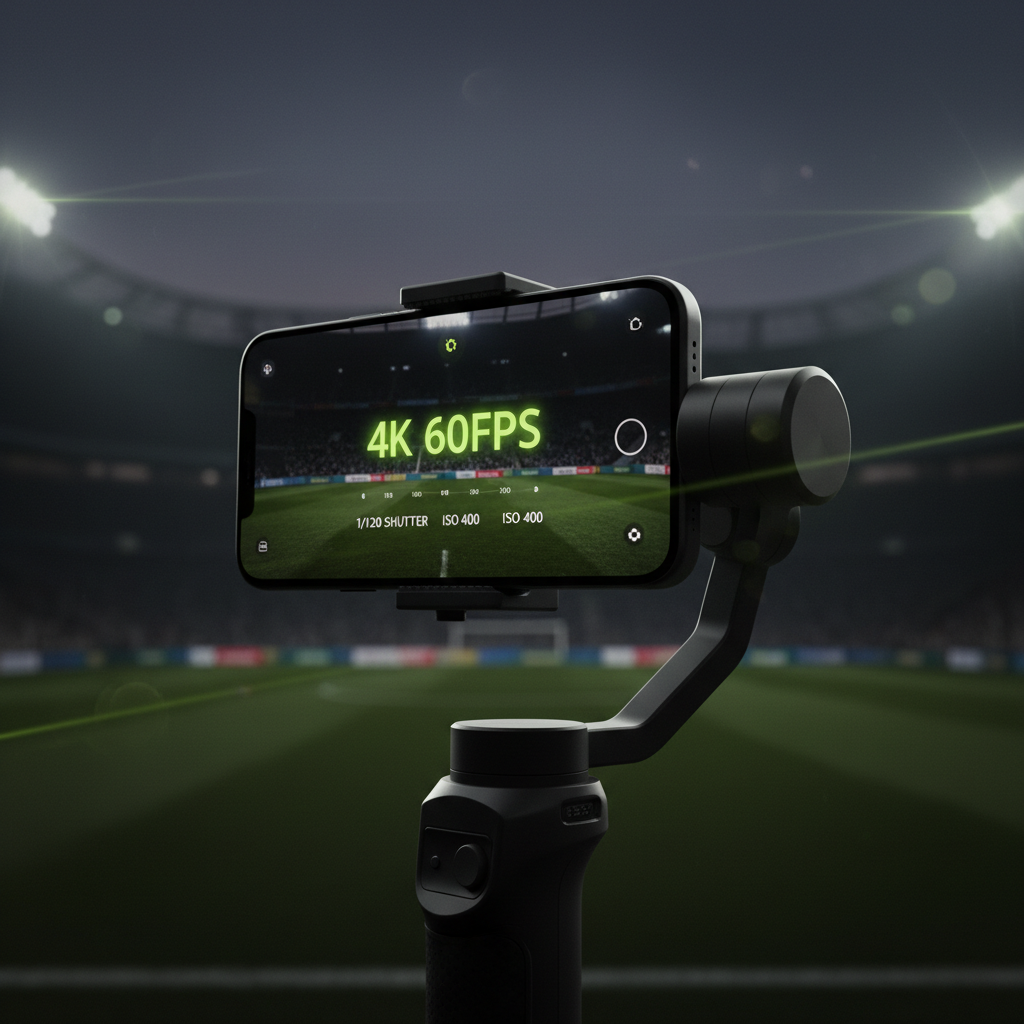
To eliminate shaky footage, mechanical stabilization is key. A gimbal like the DJI Osmo Mobile 6 is a game-changer. Crucially, you must use its “Sport Mode.” This increases the motor’s reaction speed, allowing it to keep up with fast passes and sudden changes in direction. For more tips on gear, check out dedicated blogs like the Beyond the Game blog.
Audio, Power, and Heat Management
Professional video requires more than just good pictures. Your phone’s internal mic will pick up wind and handling noise. A simple shotgun microphone will focus on the sounds from the pitch, capturing the satisfying crack of the ball and the crowd’s atmosphere.
Pro Techniques from the Sidelines
Modern smartphones have unique features that can give you an edge. For instance, the Google Pixel “Video Boost” feature uses AI to dramatically improve footage. Learn more about it from Google’s official Pixel camera tips.
Conclusion
Transforming your smartphone into a football-filming powerhouse is entirely possible. It all comes down to ditching “auto” mode and taking manual control of your settings, especially frame rate and shutter speed. By pairing those settings with a stable rig and practicing smart filming techniques, you can start creating dynamic, professional-looking videos that truly capture the beautiful game’s speed, skill, and passion.