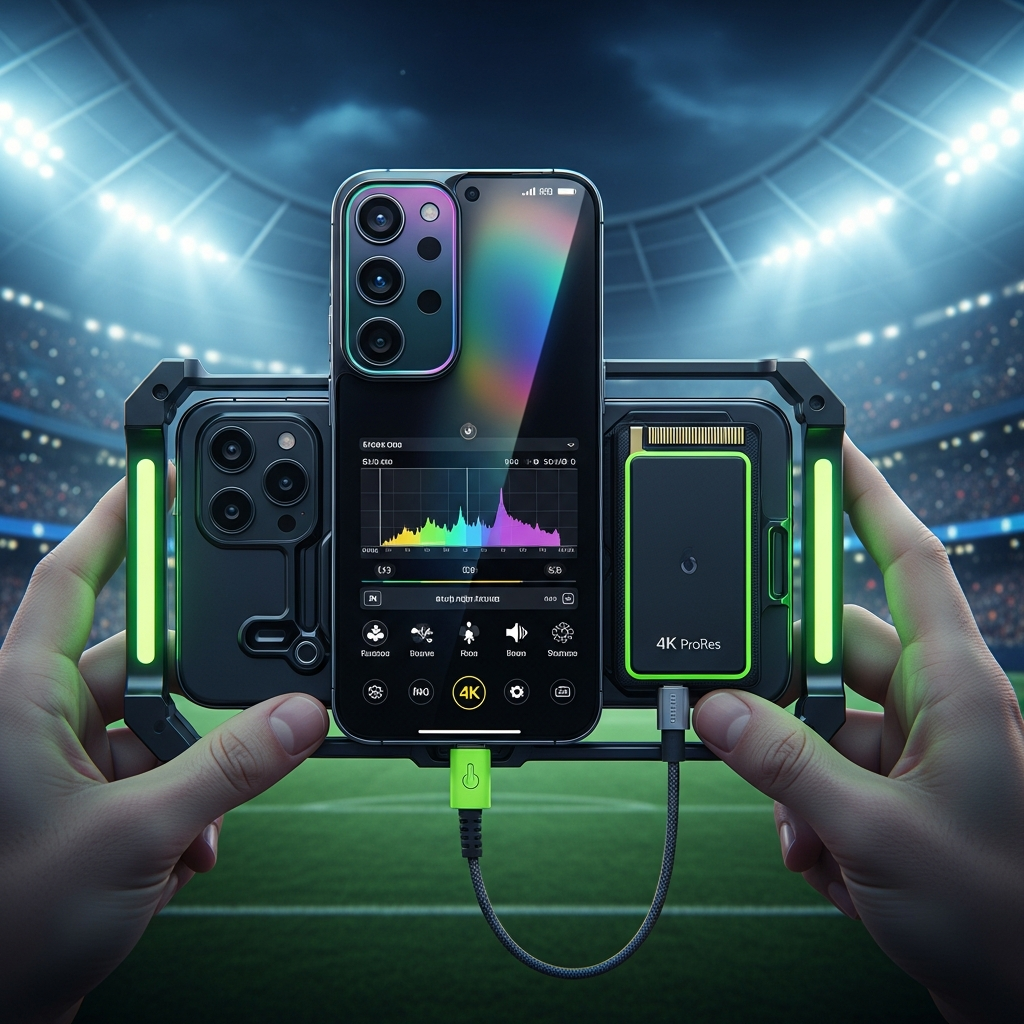
Attending a massive football match or a global sporting event in 2026 is an exhilarating experience. You want to capture every winning goal, and every crowd roars in stunning detail. However, high-quality smartphone filming can quickly exhaust your device’s resources.
Between 4K video files and essential travel apps, your storage can vanish before the second half begins. Consequently, professional-grade file management is no longer just for editors. It is a vital skill for every fan in the stands. This guide will help you master your storage while using the latest mobile cinema technology.
High-Tech Filming: The 2026 Hardware Standards
Smartphone filming has evolved from a simple hobby into a professional modular workflow. Flagship devices like the iPhone 17 Pro and the Samsung Galaxy S26 Ultra now function as the central “brain” of a cinema rig. These phones support advanced formats like Apple Log 2 and ProRes RAW. These codecs provide incredible dynamic range but require immense storage space.


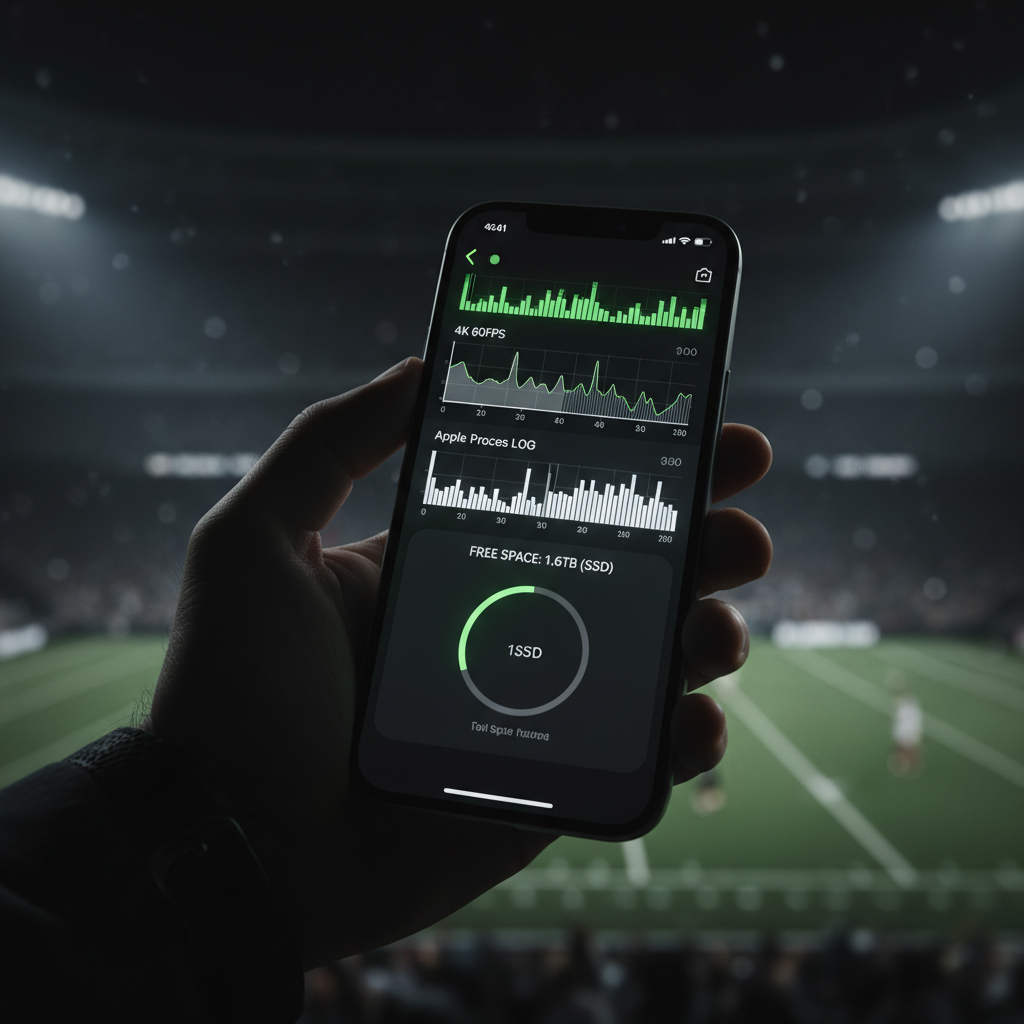
Advanced UI overlays provide real-time storage telemetry during high-bitrate recording.
For instance, Samsung’s S26 Ultra introduces the Advanced Professional Video (APV) codec. This format makes 8K 30fps footage much easier to edit, yet it fills internal memory rapidly. To manage this, you should utilize the high-speed USB-C ports found on modern devices. You can find technical specifications on the latest video standards at the Apple Official Newsroom. Furthermore, new vapor chamber cooling systems allow you to record at 4K 120fps without the phone overheating during a sunny afternoon match.
Smart Storage: The Pre-Match Ritual
Preparation is the most effective way to avoid a “Storage Full” alert. You should treat your phone like an athlete treats their kit. First, perform a digital “purge” the night before the game. Social media apps like Instagram and TikTok often cache gigabytes of hidden data. On Android, clear the cache in your app settings. On an iPhone, you might need to delete and reinstall these apps to reclaim space.
Additionally, you should manage your communication apps. Go to your WhatsApp settings and disable the “Save to Camera Roll” feature. This prevents every meme from your group chat from clogging your gallery during the match. If you have apps you rarely use, employ the “Offload App” feature. This keeps your data safe but removes the app itself. For more technical tips on device optimization, visit the Samsung Global Newsroom. Finally, download offline maps for the stadium area. This saves data and prevents the app from background caching while you travel.
Professional Techniques for Matchday Success
Once you are inside the stadium, your filming strategy should change. While 4K at 60fps looks amazing, it consumes roughly 400MB per minute. Therefore, you should switch to 1080p at 30fps for standard crowd clips. You will rarely notice the difference on a mobile screen, but you will save 75% more space.
- Use External SSDs: Connect a Samsung T9 or Lexar SL500 to handle high-bitrate footage.
- Trim on the Fly: Delete failed shots immediately rather than waiting until you get home.
- Manual Exposure: Lock your exposure so the stadium lights do not cause “pulsing” in your video.
- Audio Quality: Use a wireless mic like the DJI Mic 3 for broadcast-quality sound.
If you want a cinematic look without the massive file size, use the “1x Rule.” The main sensor on your phone is always the highest quality. Instead of switching to digital zoom, use a high-quality external lens like a Moment T-Series. You can control these settings precisely using professional apps. For example, the Blackmagic Design Camera App allows you to record directly to external SSDs. This bypasses your phone’s internal storage entirely.
Mastering File Management and Backups
Effective file management ensures your memories remain secure and easy to find. You should follow the “3-2-1 Backup Rule” for your best matchday clips. This means keeping three copies of your data on two different media types, with one copy off-site in the cloud. After the match, let your phone sync with Google Photos or iCloud over Wi-Fi.
Once the backup is complete, use the “Free Up Space” tool to remove local copies. To keep your library organized, use descriptive naming conventions. Instead of a generic file name, use “2026-06-Match-Winning-Goal.mp4.” This logical hierarchy makes searching much faster. Modern systems even use AI-powered tagging to help you find clips based on the players or colors in the frame.
Conclusion
Managing your phone storage on matchday is essential for any modern creator or fan. By preparing your hardware, choosing the right codecs, and utilizing external storage, you can capture every moment in cinematic quality. Remember to clear your cache, use professional camera apps, and follow a strict backup routine. These steps ensure that you never miss a historic moment because of a full hard drive. With the right workflow, your smartphone becomes a powerful tool for global storytelling.