Create a Pro Club Logo Intro: The Best Motion Tools for 2026
Featured Insight
Consequently, creators and brands worldwide are turning to motion graphics to bring their visual identity to life with energy and style. You’ve likely seen them: sleek, animated logos that pulse with light, glitch into view, or stomp to the beat of a track.
The great news? You no longer need a Hollywood budget or years of training to create them. Thanks to a new wave of powerful and intuitive content creation tools, making a professional-grade animated club logo is easier than ever. This guide will walk you through the essential concepts, tools, and steps to make your brand’s intro unforgettable.
Understanding the Basics: Motion Graphics vs. Animation
First, let’s clarify what we’re making. While often used interchangeably, motion graphics and animation are slightly different. Animation typically tells a story with characters, like a Disney film. In contrast, motion graphics is about making graphic design move. Think of it as bringing text, shapes, and logos to life to communicate an idea or feeling.

An animated logo for a video intro is a perfect example of motion graphics. Its job is to quickly establish brand identity and set a mood, making it a vital tool for anyone from YouTubers in Lagos to marketing agencies in London.
Step 1: Define Your High-Energy Aesthetic
Before you even touch a piece of software, you need a concept. For a club or nightlife brand, you want high-contrast visuals and energetic motion. Fortunately, there are several popular styles to choose from.
Neon/Glow
This classic style mimics neon signs. It uses flickering light and vibrant colors like electric blue, hot pink, and lime green to create a moody, electric vibe.
Glitch
Perfect for electronic music or tech-focused content, this style uses digital errors and distortions for a chaotic, high-tech look.
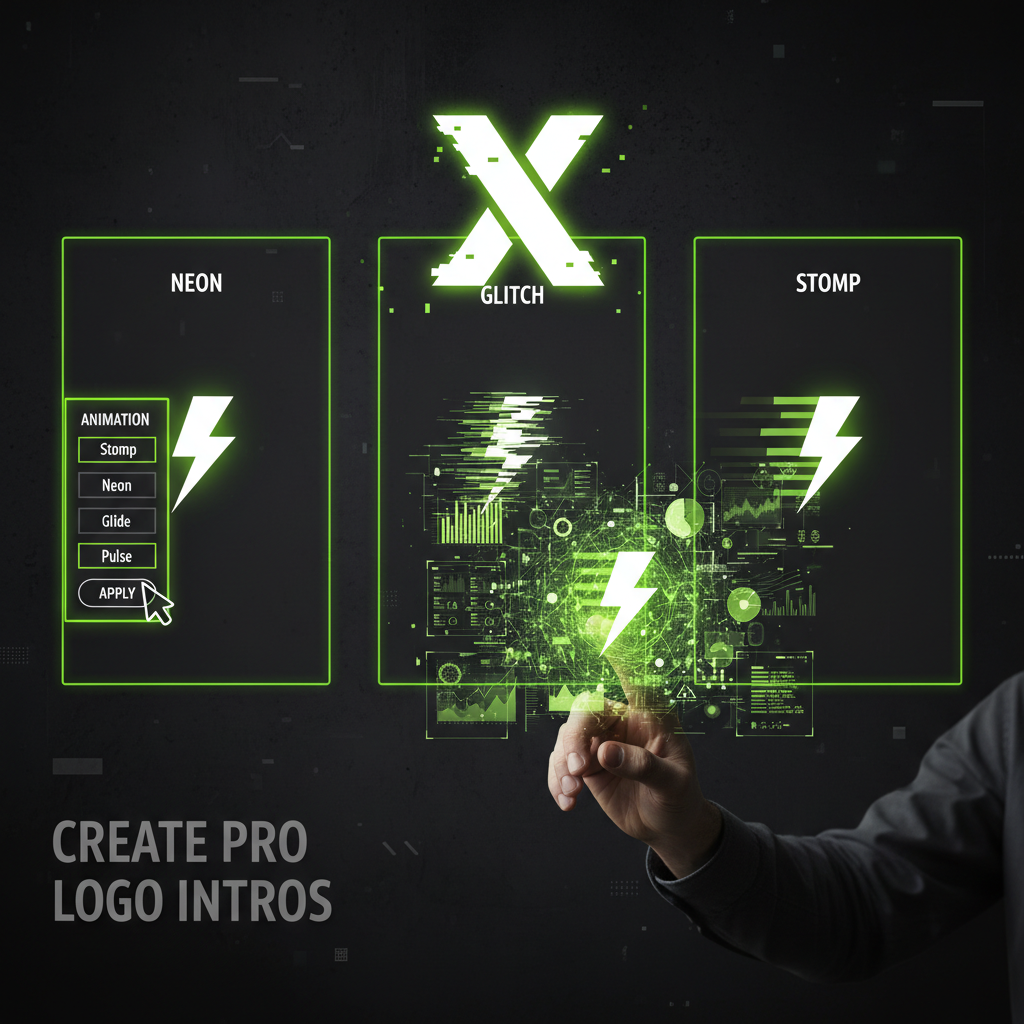
- Stomp/Beat-Sync: This is all about rhythm. The logo elements “stomp” onto the screen, perfectly timed with a heavy musical beat. It feels aggressive and confident.
- Outline/Stroke Reveal: A clean and modern approach where the lines of the logo are “drawn” on screen before the full shape is revealed.
Step 2: Pick Your Perfect Content Creation Tool
The 2026 content creation landscape is all about AI-integrated workflows. The right tool depends on your budget, skill level, and desired outcome.
For Beginners: The “Prompt-to-Publish” Path
If you’re new to design, these tools offer the fastest path to a great-looking result. They rely on templates and simple-to-use interfaces.
- 01Canva (Magic Studio): Still the undisputed leader for non-designers.
- 02Adobe Express: Direct competitor with powerful Adobe font access.
For Intermediate Users: Precision and Control
These tools give you more control, especially for syncing your animation to a specific music track. They are perfect for creators in the US, UK, and beyond who are comfortable with timeline-based editing.
- CapCut: This mobile and desktop editor is fantastic for beat-syncing. You can easily add markers and use keyframes.
- Descript: AI-assisted workflow makes complex tasks simpler for video creators.
For Professionals: The Industry Standards
For complete creative freedom, professionals turn to these powerhouse applications.
Adobe After Effects: This is the industry standard for 2D motion graphics. Combined with plugins, it can create anything you can imagine.
Blender: A completely free and open-source 3D suite, Blender has become a serious professional tool. It’s excellent for creating 3D logo reveals.
Step 3: Your Quick-Start Animation Guide (Using Canva)
- 1. Start with a Template: In Canva, search for “Intro Video” and look for a dark, club-style template.
- 2. Upload Your Logo: Use a logo file with a transparent background (.PNG).
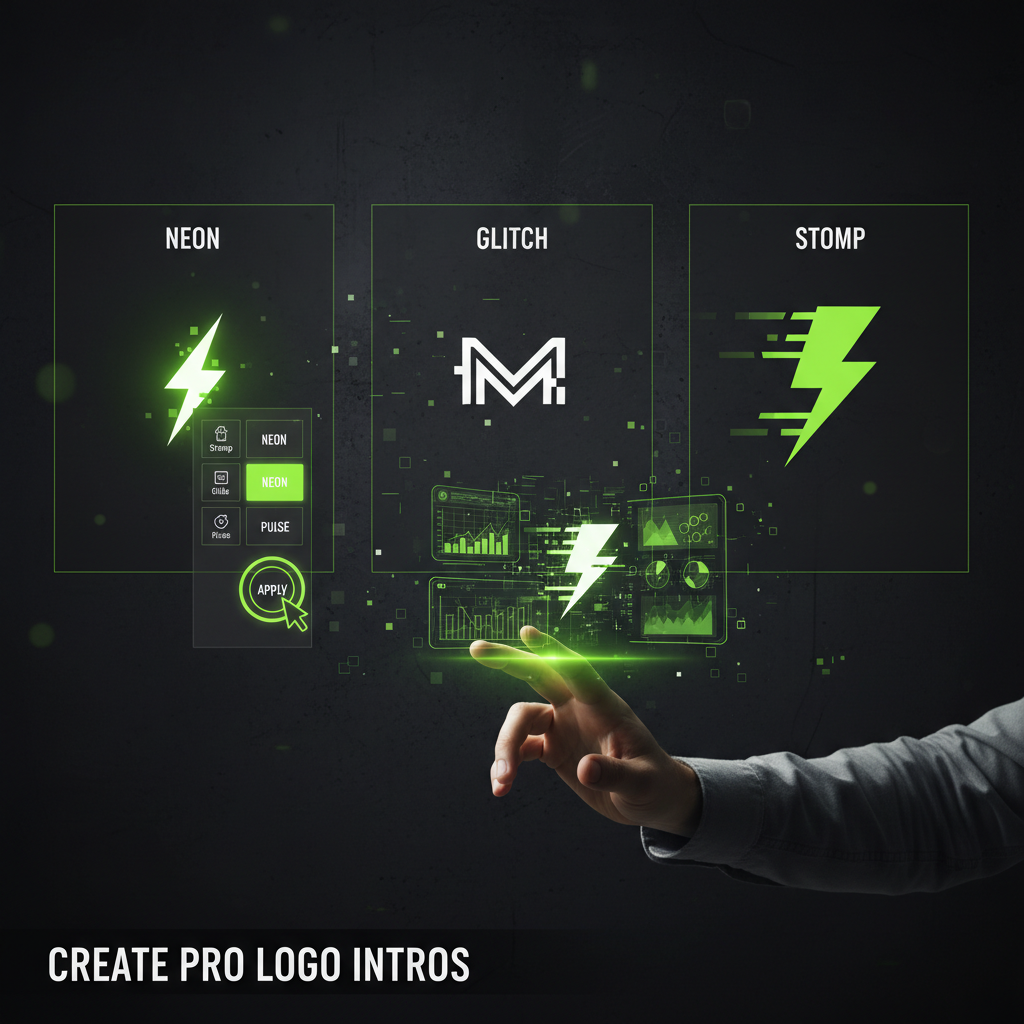
- 3. Apply Effects: Place your logo, click “Animate,” and choose “Stomp” or “Neon.” You can find tutorials and inspiration on this at Canva’s Design School blog.
- 4. Add Audio: Search for tracks like “EDM” or “Deep House.”
- 5. Time and Export: Adjust timing to the beat and download as MP4.
Beyond the Animation: Pro Tips for a Standout Intro
Creating the motion is only half the battle. To make your intro truly professional, always remember these key tips.
Stay between 3 and 5 seconds to avoid audience drop-off.
Add “whoosh” or “buzzing” SFX for that final layer of polish.
Contrast is a core principle discussed by many design experts, including those at Smashing Magazine’s blog.
The 2026 Conclusion: Your Turn to Create
In 2026, content creation is less about manual labor and more about orchestrating powerful AI-driven systems. The most successful creators follow a “Human-in-the-Loop” model: they let AI handle 80% of the work, then spend their time on the final 20%—the strategic polish.
With the tools and techniques above, you now have a clear roadmap to create a dynamic, professional animated logo intro. So go ahead, bring your brand to life and make those first few seconds count.