
Mastering FA Full-Time Results & Statistics
Submitting match results and statistics is a vital task for grassroots football clubs across England. For team managers, coaches, and secretaries, correctly using The FA’s Full-Time system is essential to maintaining accurate league records.
However, navigating the system for the first time can seem complicated. This straightforward guide walks you through uploading your match stats, ensuring you meet your league’s requirements without any hassle. Following these steps helps your club avoid fines and contributes valuable data to the grassroots game.
Getting Access and Logging In
Before you can input any data, you first need the correct permissions. Access to the Full-Time system is carefully controlled to ensure data integrity.

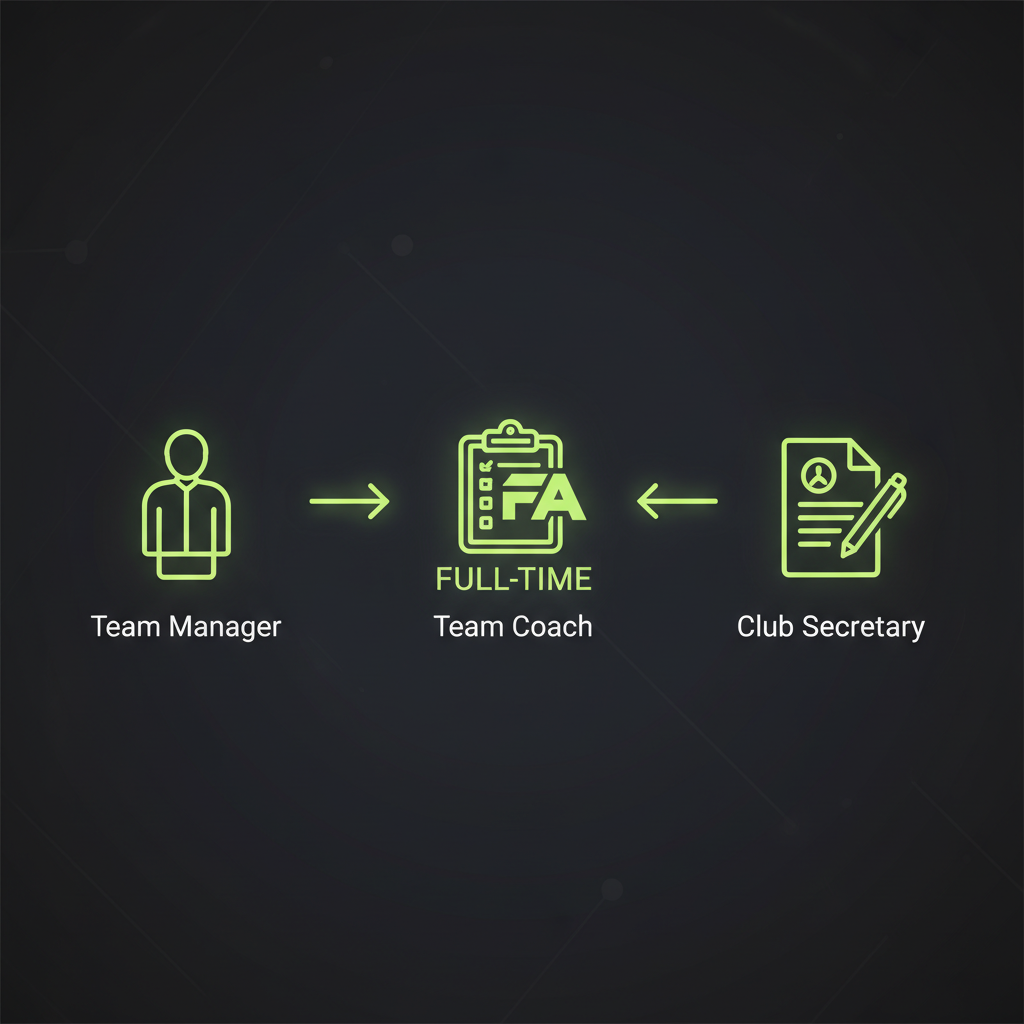
To get started, you must be a registered team official. Specifically, your role in the Whole Game System (WGS) must be one of the following:
- Team Manager
- Team Coach (or Assistant Coach)
- Team Secretary
Once your role is confirmed in the WGS, your league administrator will send you an invitation to log in. This email contains a unique username and password for your league’s specific Full-Time portal. If you hold one of these roles but haven’t received an invitation, you should contact your league directly.
Entering the Final Score
After logging into the Full-Time administration dashboard, your first task is to input the basic match result. The system is designed to make this initial step quick and easy.
Typically, you will see an “Admin Home” screen. From there, navigate to the “Results” tab or find an option labelled “Enter Results.” Your most recent fixture should be clearly displayed. If the home team has already sent the score via SMS, it might even be pre-filled. You simply need to verify the score is correct or enter the full-time result. Some leagues also require the half-time score. After entering the numbers, click “Update” to save this initial information.
A Deep Dive into Match Statistics
With the score saved, the next crucial step is to input detailed match statistics. After clicking “Update” on the results page, a “Statistics” button will appear. Clicking this takes you to a new section with several important tabs.
Referee & Respect
FA Marks are vital for governance. If the total score is below the threshold, a written explanation is mandatory.
Pitch Marks
Provide a rating on the playing surface. This information influences future funding for local facilities.
Player Statistics
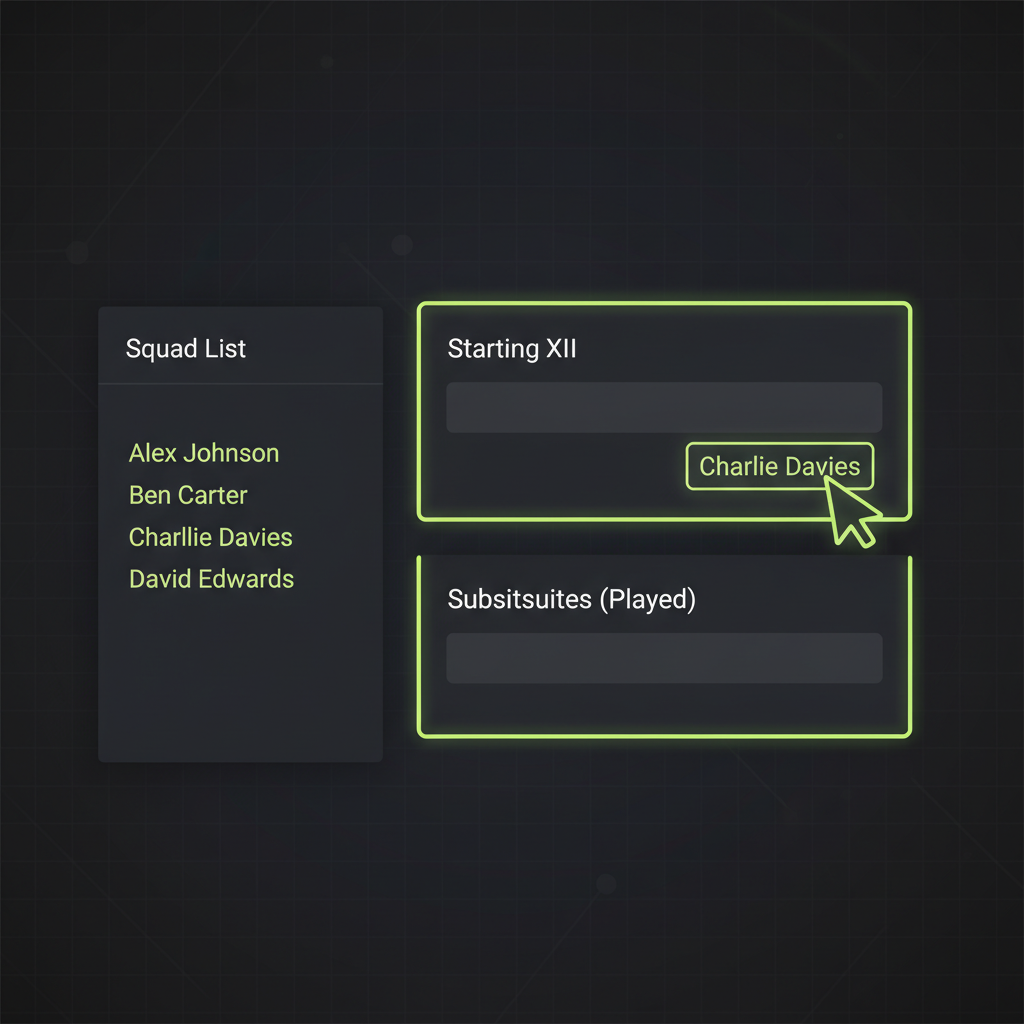
Accurate player data is one of the most important aspects of the report. To avoid errors, you must correctly assign players to their status for the match. Be sure to fill out the following categories:
- Starting Players: List only the players who were in the starting lineup.
- Substitutes (Played): Include every player who came off the bench and participated in the game.
- Substitutes (Unused): List any named substitutes who did not play.
Carefully completing this ensures every player’s record is accurate. Once you have filled in all the details on each tab, remember to click “Update” to save your progress.
Important Reminders
Deadline
Most leagues require submission by 23:59 on match day. Avoid unnecessary fines!
Platform
Use the Full-Time website portal for full reports. The Matchday App can have limited features.
Abandoned Matches
Both teams must still complete the report with the score at the time of abandonment.
Ready to Update?
Uploading match statistics is a straightforward process when you follow these steps. Timely and accurate reporting not only keeps your club compliant but also supports the overall health of grassroots football.