
Managing a sports team in 2026 should not feel like a second full-time job. Because technology has evolved, modern club management apps now handle the heavy lifting of logistics. Whether you are coaching a youth soccer team in London, a basketball squad in Johannesburg, or a baseball team in New York, efficiency is key. TeamSnap remains a top choice for grassroots sports due to its robust features and user-friendly interface. This guide will help you navigate the setup process seamlessly so you can focus on the game.
Initializing Your Coaching Account
First, you must establish your digital presence within the app. Most coaches begin their journey in one of two ways. If you are part of a larger organization, you will likely receive an email invitation from your league administrator. You must click “Join Team” and log in to your account. However, if you are running an independent team, you should log in to the web app and select “+ Create New Team or Group.”
During this stage, you must choose your specific sport and a subscription plan. While the Free plan offers basic features, paid versions include advanced tools like availability tracking. Consequently, choosing the right plan early prevents administrative headaches later in the season.

Building a Winning Roster
Once your account is active, you need to populate your roster. Specifically, we recommend using the web version of the platform for this task. The web interface provides a much clearer overview of invitation statuses compared to the mobile app. You can add players individually or use the “Import” button to upload a CSV file from your records.

Invite Families
Simply adding a name does not grant access. You must check the “Invite to Join” box.
Track Status
If a player appears as “Pending,” they have not yet accepted the invite. Use the “Resend” button to nudge.
By following these steps, you ensure that every family receives the necessary updates.
Streamlining Scheduling and Syncing
The schedule is the heart of your team management. To keep everyone on the same page, go to the Schedule tab and begin adding your dates. Use “Add Game” for competitive matchups and “Add Event” for practices or team meetings. Furthermore, the “Repeating” feature is a massive time-saver for weekly training sessions.
Managing Availability and Assignments
Availability and assignments are the “secret sauce” of organized coaching. In the app, players can mark themselves as “Going,” “Maybe,” or “Not Going” for every event. You should review these statuses at least 24 hours before a game.
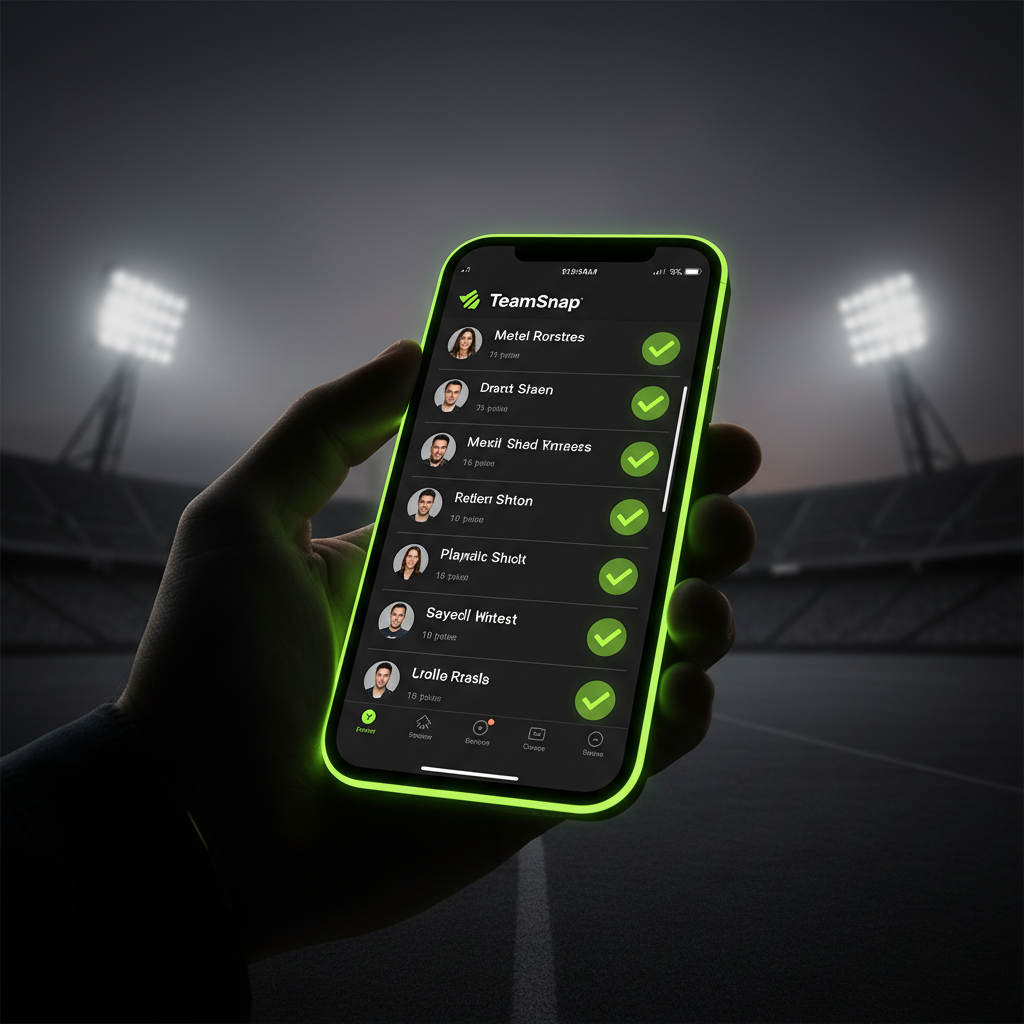
Visual Confirmation
Real-time tracking of who’s in and who’s out allows for strategic planning well before game day.
- ✓ Snack Duty Management
- ✓ Field Prep Volunteers
- ✓ Live Scorekeeping
Setting the expectation that parents must update their RSVP status 48 hours before games will change your life as a coach.
Strategic Communication Tools
TeamSnap provides three distinct ways to communicate with your group. First, the Team Chat is perfect for casual, real-time banter or quick questions. Second, Alerts are for urgent, time-sensitive updates, such as weather cancellations. Finally, Emails are best for long-form weekly updates.

By using these tools correctly, you avoid cluttering parents’ inboxes while ensuring they receive critical information. In 2026, many clubs also use TeamSnap Live! to provide real-time scores and photos for fans who cannot attend the match in person.
Conclusion
Mastering a club management app like TeamSnap is the best way to reclaim your time and improve your coaching experience. By setting up your roster correctly, automating your schedule, and delegating assignments, you create a professional environment for your players. With these digital tools at your fingertips, you are ready to lead your team to a fantastic season.