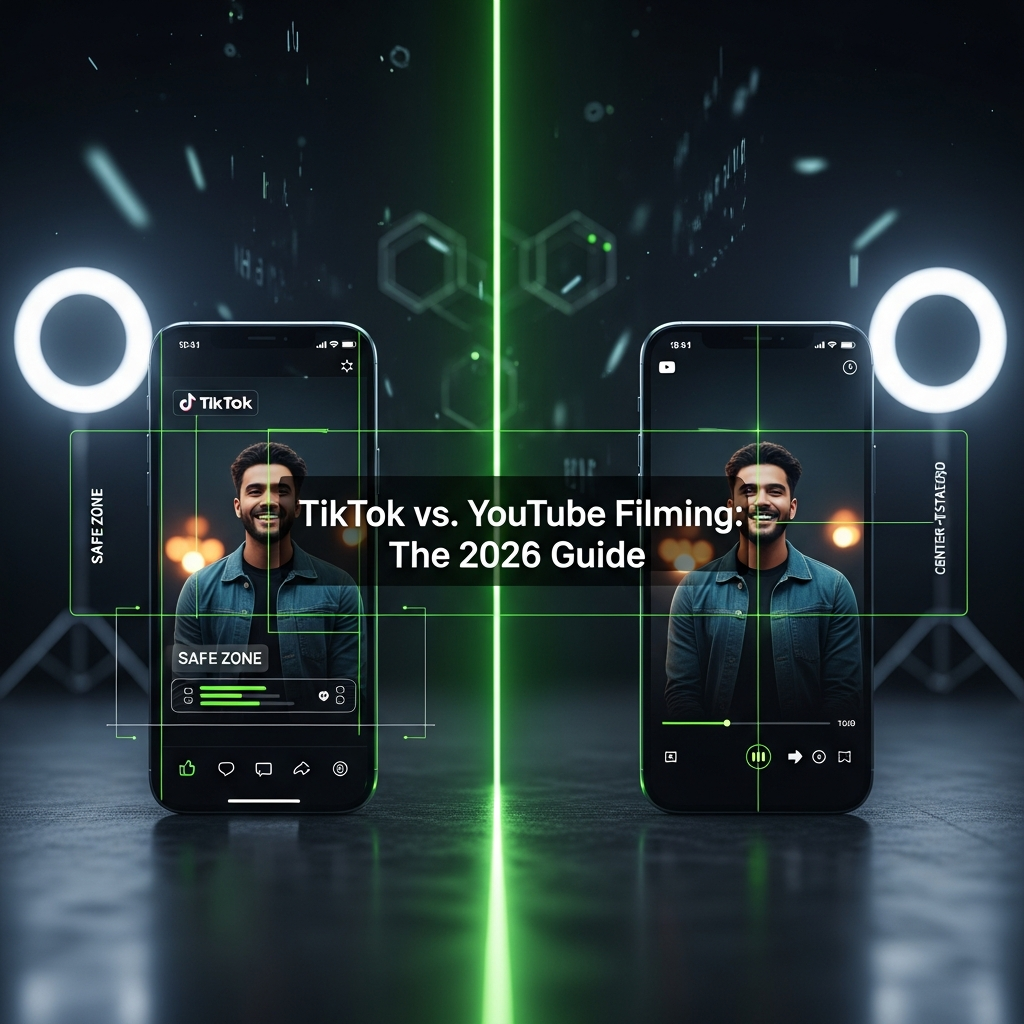
Filming on your smartphone in 2026 is no longer just about turning it sideways. The split between TikTok and YouTube has evolved into a high-stakes technical game. To succeed, you need more than good ideas; you need a smart filming strategy. This guide breaks down the essential framing, safe zones, and AI-powered tricks you need to master.
Consequently, you’ll learn how to make your content look perfect on both platforms, whether you film vertically, horizontally, or both at once.
Mastering the Vertical Frame: Filming for TikTok
TikTok is a vertical-first universe. Because of this, your primary goal is to film while respecting the app’s crowded interface. Forgetting this step means your key visuals could be hidden behind buttons and text. You can easily check your framing using official tools. To see exactly how your video will look, use the tools available online via the TikTok Creative Center.
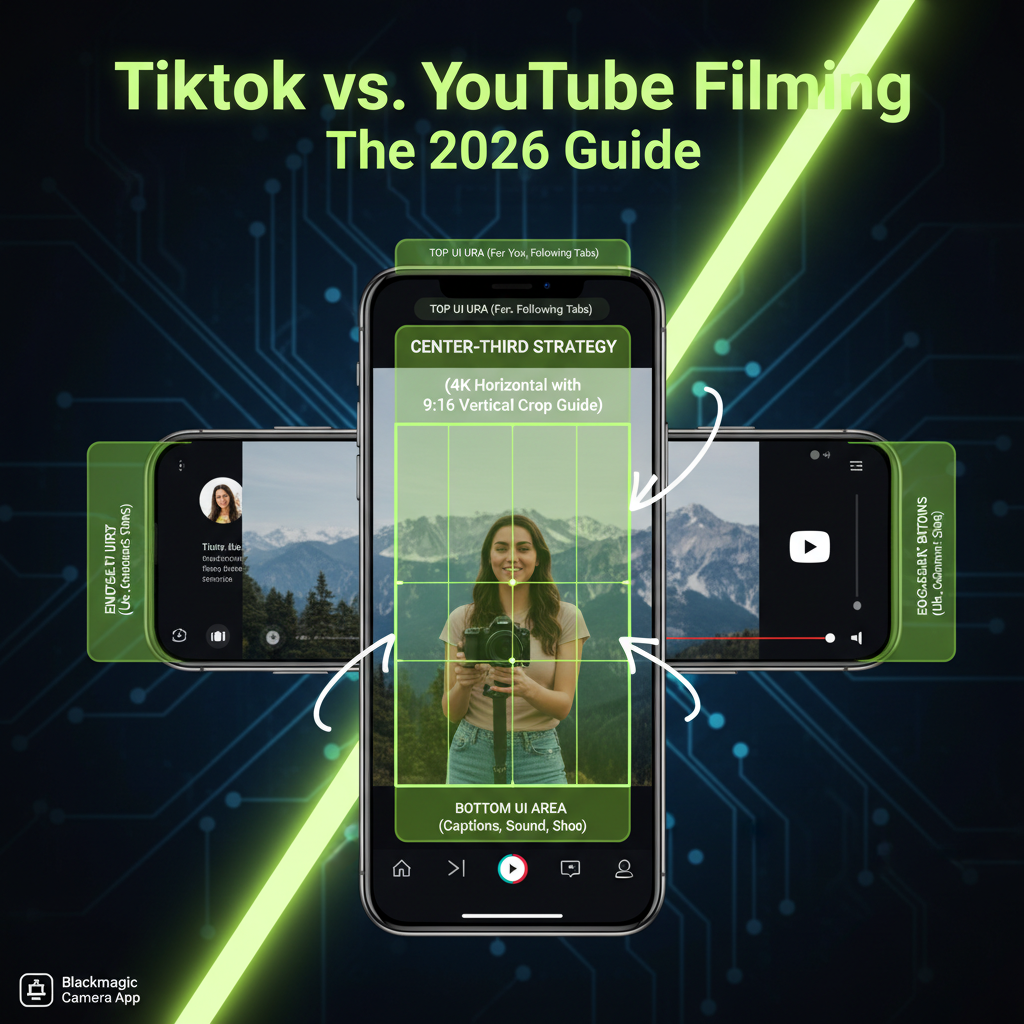
Fig 1. Visualizing the 2026 TikTok ‘Safe Band’ Overlays

Understanding TikTok’s ‘Safe Band’
The TikTok interface covers nearly 40% of the screen. Therefore, you must keep all your important content—like faces, products, or text—within the central “Safe Band.”
The Bottom
Keep the lowest 335 pixels clear for captions and shop banners.
The Right Side
Avoid the rightmost 140 pixels to keep buttons clear.
The Top
Leave 150-200 pixels for navigation tabs.
Essentially, by using negative space at the top and bottom, your video will feel cleaner and more professional once the UI is overlaid. For the best quality, stick to a 1080×1920 resolution at 30 or 60 frames per second (fps).
Embracing the Widescreen: Filming for YouTube
For traditional YouTube videos, the horizontal 16:9 format is still king. Here, cinematic principles and technical polish are your keys to success. Unlike TikTok’s tight safe zones, YouTube gives you more creative freedom within the frame. However, you still need to be aware of how the player controls, info cards, and end screens can affect your visuals.
Composition and Pro-Level Features
Getting a professional look on YouTube involves more than just pointing and shooting.
- ✦Rule of Thirds: Place subjects along grid lines for a more engaging, balanced shot.
- ✦Cinematic Angles: Position your phone slightly above eye level and tilt it down for the 2026 “Pro-Vlog” look.
- ✦AI-Powered Depth: Utilize “Portrait Video” features to create organic-looking background bokeh.
For maximum quality, you should always film in 4K (3840×2160). This triggers YouTube’s best video codec. lm for Both Platforms at Once
The answer is the “Center-Third Strategy.” This method allows you to film horizontally while keeping your vertical crop in mind.
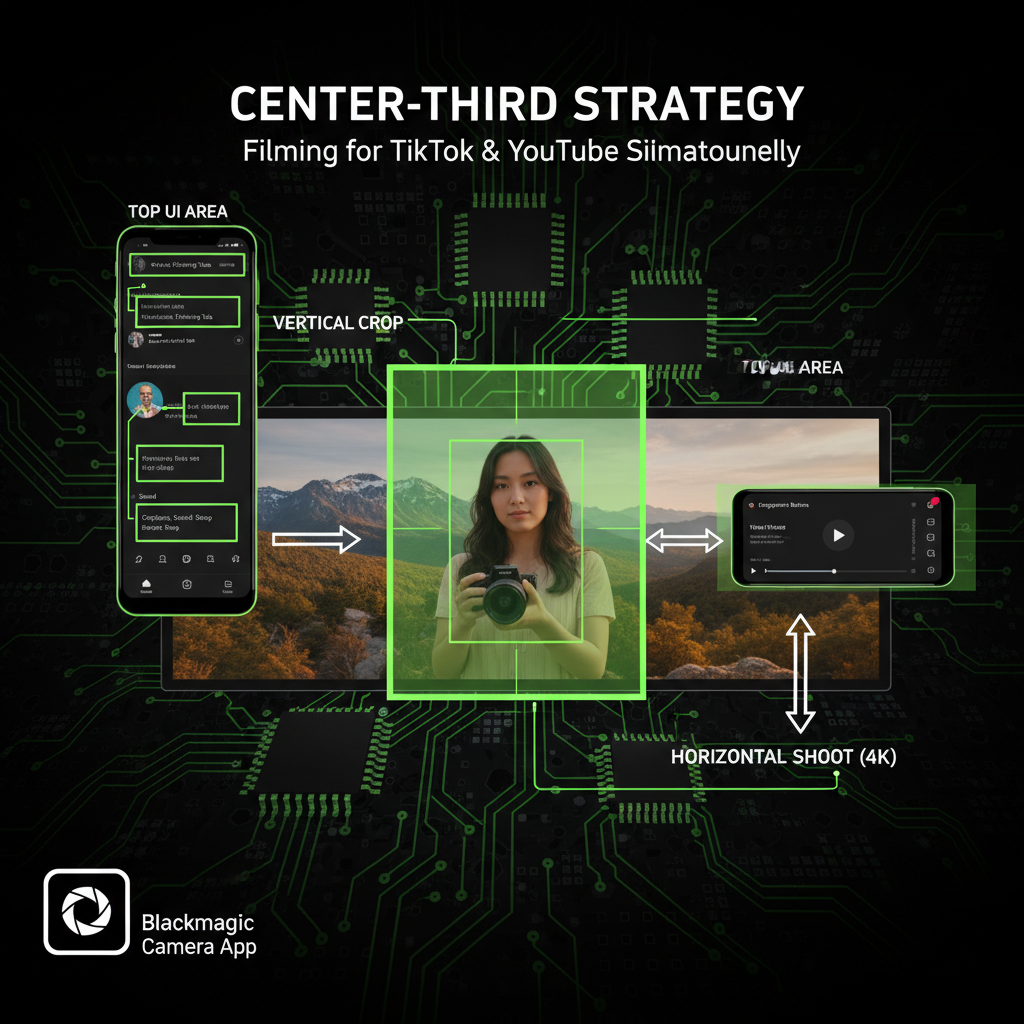
Fig 2. The Center-Third Strategy Visualization
Shoot in 4K Horizontal
Provides enough resolution to crop without quality loss.
Frame Centrally
Use the middle column of your 3×3 grid as your “safe zone.”
Digital Overlays
Apps like Blackmagic Camera help you see 9:16 guides in real-time.
Your Professional Cheat Sheet for 2026
Clean Your Lens
2026 phone sensors are incredibly sensitive. A single fingerprint creates a haze that AI cannot fix.
Audio is 50%
External wireless lavalier mics are now the standard for viewer retention.
On YouTube, the thumbnail is crucial. Always avoid placing text in the bottom-right corner where the timestamp sits.
Conclusion
Ultimately, the choice between filming vertically or horizontally is no longer arbitrary. It is a deliberate, strategic decision that directly impacts how viewers engage with your content. By understanding the unique safe zones of TikTok and the cinematic principles of YouTube, you can tailor your approach.
Moreover, with the hybrid “Center-Third Strategy,” you can efficiently dominate both platforms without doubling your workload. So, grab your smartphone, apply these techniques, and start creating content that looks stunning everywhere.